Website Traffic Checker
Estimate the monthly traffic of any website
Free Website Traffic Checker Tool — Estimate Any Site’s Visits
A free website traffic checker tool lets you estimate how many visitors any website gets each month — your own site or a competitor’s — without installing anything or paying for a subscription. You enter a domain, and the tool returns an estimate of monthly visits along with other traffic signals, giving you a quick read on how a site is performing. It is one of the fastest ways to size up the competition and track how a domain grows over time.
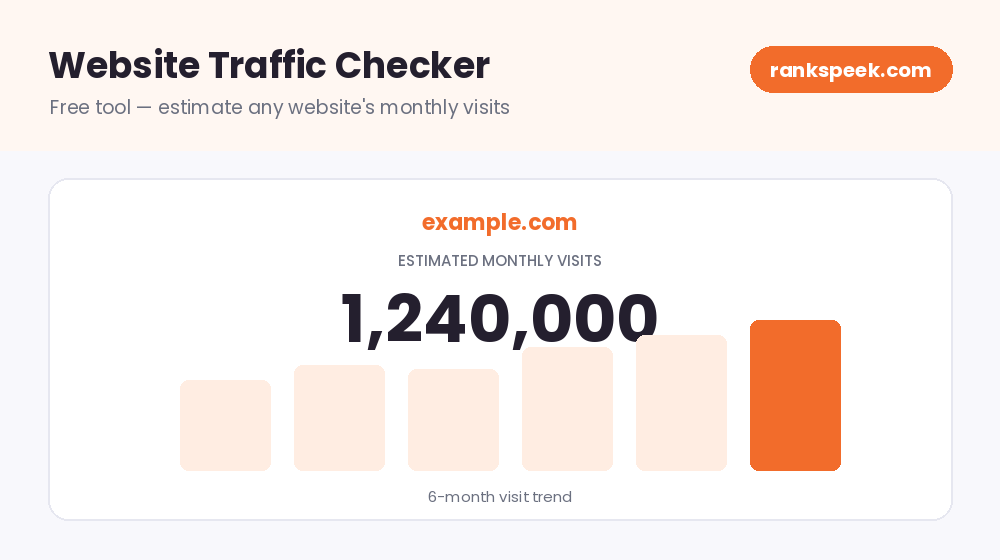
Website traffic is the number of visitors a website receives over a period of time, usually measured as visits or sessions per month. It comes from sources like organic search, direct visits, social media, referrals, and paid ads. You can estimate any site’s traffic with a free website traffic checker, or see exact numbers for your own site using analytics.
What Is a Website Traffic Checker?
A website traffic checker is a tool that estimates how much traffic a website receives. For your own site, analytics tools give you exact numbers; for any other site, a traffic checker estimates visits based on third-party data and modelling. This makes it especially useful for competitor research, where you cannot access someone else’s analytics. Instead of guessing how popular a site is, you get a data-backed estimate in seconds.
Why Check Website Traffic?
Knowing a site’s traffic — yours or a rival’s — helps you make smarter decisions. Here is why it matters:
- Benchmark your performance — compare your estimated traffic against competitors to see where you stand.
- Spot growing competitors — rising traffic on a rival’s site can signal a strategy worth studying.
- Vet partners and prospects — check a site’s traffic before a guest post, link exchange, or purchase.
- Track trends over time — watch whether a domain is growing or declining.
- Find opportunities — a competitor’s traffic growth often points to topics and tactics you can use too.
Where Does Website Traffic Come From?
Visitors reach a website through several channels, and a healthy site usually draws from more than one:
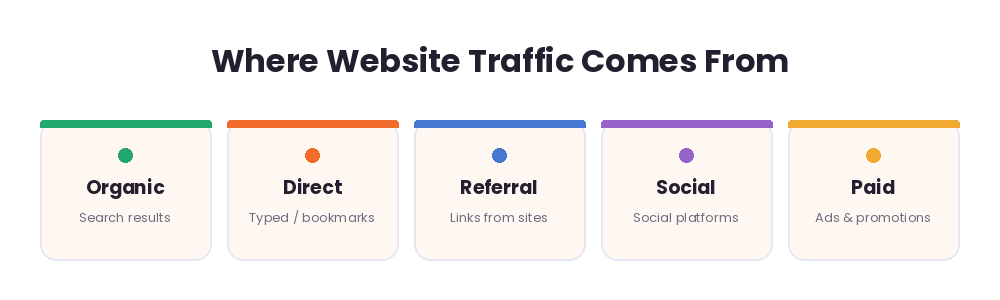
- Organic search — people who find a site through unpaid search results on Google or Bing.
- Direct — visitors who type the URL straight into their browser or use a bookmark.
- Referral — people who click a link from another website.
- Social — visitors who arrive from social platforms like Facebook, Instagram, or LinkedIn.
- Paid — traffic from ads, such as Google Ads or sponsored posts.
What Our Free Website Traffic Checker Shows
Enter any domain and our tool returns an estimate of its traffic, including:
- Estimated monthly visits — roughly how many visitors the site gets each month.
- Additional traffic signals — supporting metrics that help you judge a site’s size and engagement, where available.
- A clear, instant view — easy-to-read numbers, so you do not need any analytics experience.
Because this data is estimated from third-party sources, treat it as a well-informed guide for comparison rather than an exact count.
How to Use the Free Website Traffic Checker
You do not need any technical skill:
- Step 1 — Enter a URL. Type the domain you want to check into the box above.
- Step 2 — Run the check. Click the button and the tool looks up the site’s traffic estimate.
- Step 3 — Read the results. Review the estimated monthly visits and other signals.
- Step 4 — Compare. Run a few competitor domains to benchmark where you stand.
How Website Traffic Is Estimated
Traffic checkers do not see a site’s private analytics. Instead, they estimate visits using signals like the keywords a site ranks for, those keywords’ search volumes, and typical click-through rates — combined with other third-party data.
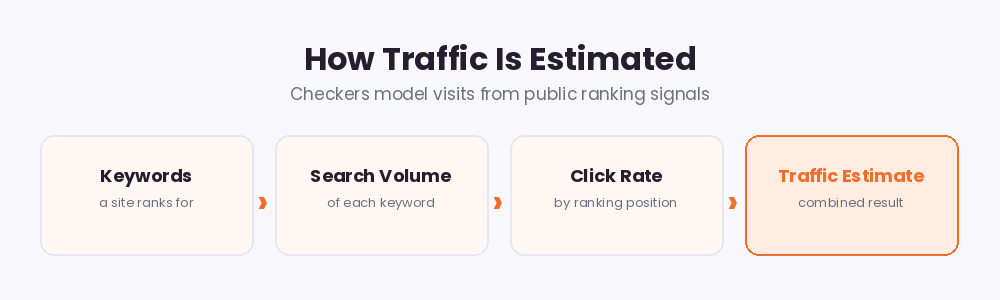
That is why estimates can differ between tools, and why they are best used to compare sites and spot trends rather than as exact figures. For your own site, always pair these estimates with a proper analytics tool for precise numbers.
Website Traffic in 2026
Traffic analysis is changing fast in 2026. As Google shows more AI-generated overviews at the top of results, some searches are answered without a click, which makes every visit you do earn more valuable. Search engines continue to reward fast, helpful, trustworthy sites, so the strongest traffic growth tends to come from quality content that matches real search intent. Watching your estimated traffic alongside your rankings helps you see whether your content is keeping up with these shifts.
Tips to Increase Your Website Traffic
- Target the right keywords with genuine search demand and realistic competition.
- Publish helpful, original content that answers what your audience is searching for.
- Improve page speed and mobile experience to keep visitors engaged.
- Earn quality backlinks from trusted, relevant sites.
- Promote your content across social media and email to add traffic beyond search.
Related Free SEO Tools on RanksPeek
Use these other free tools to grow and measure your traffic — just click any button to open it:
Helpful resource: To learn how Google measures and rewards site quality, read the Google Search Central documentation →
Frequently Asked Questions
Is this website traffic checker free?
Yes. The RanksPeek website traffic checker is free with no signup — check as many domains as you like.
Can I check a competitor’s traffic?
Yes. You can estimate the traffic of any public domain, which makes it ideal for competitor research.
How accurate are the traffic estimates?
They are well-informed estimates based on third-party data, not exact counts. Use them to compare sites and track trends rather than as precise figures.
What is the difference between this and Google Analytics?
Google Analytics gives you exact data for your own site only. A traffic checker estimates traffic for any site, including competitors, without needing access to their analytics.
Why do traffic numbers differ between tools?
Each tool uses its own data and modelling, so estimates vary. Pick one tool and use it consistently to track trends.
Ready to size up any website? Enter a URL above and get a free traffic estimate in seconds.
From our Blog
 AI Schema Markup Generator: How to Use It SafelyAn AI Schema Markup Generator takes a page you already have and writes the structured data code for it, so sea…
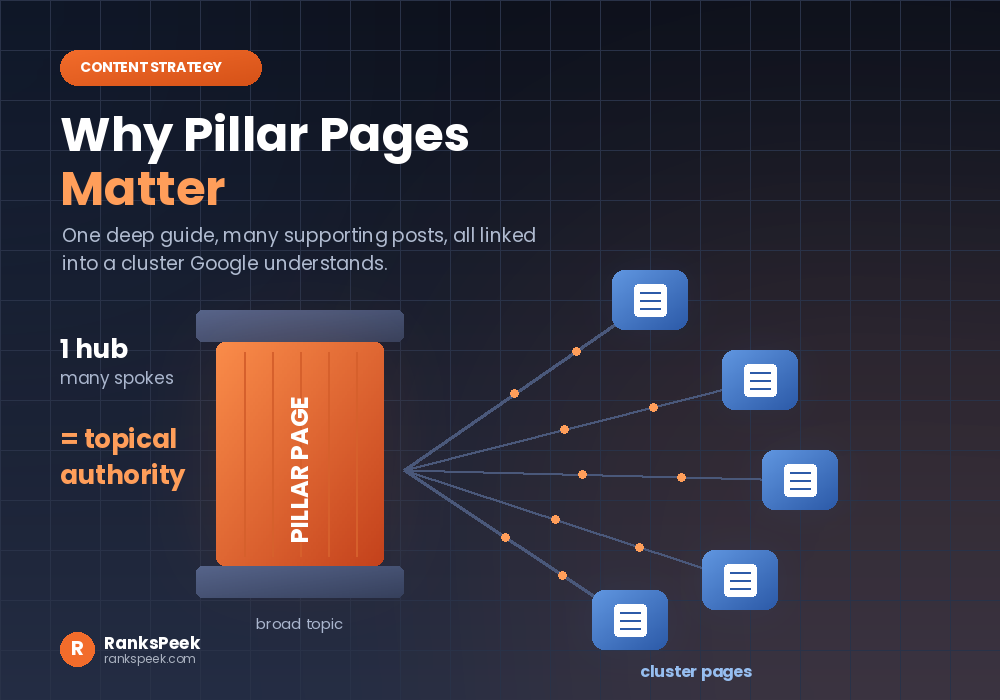 Why Pillar Pages Matter: The SEO Case for Topic ClustersWhy Pillar Pages Matter comes down to one idea: Google rewards depth, and a pillar page is how you prove it. A…
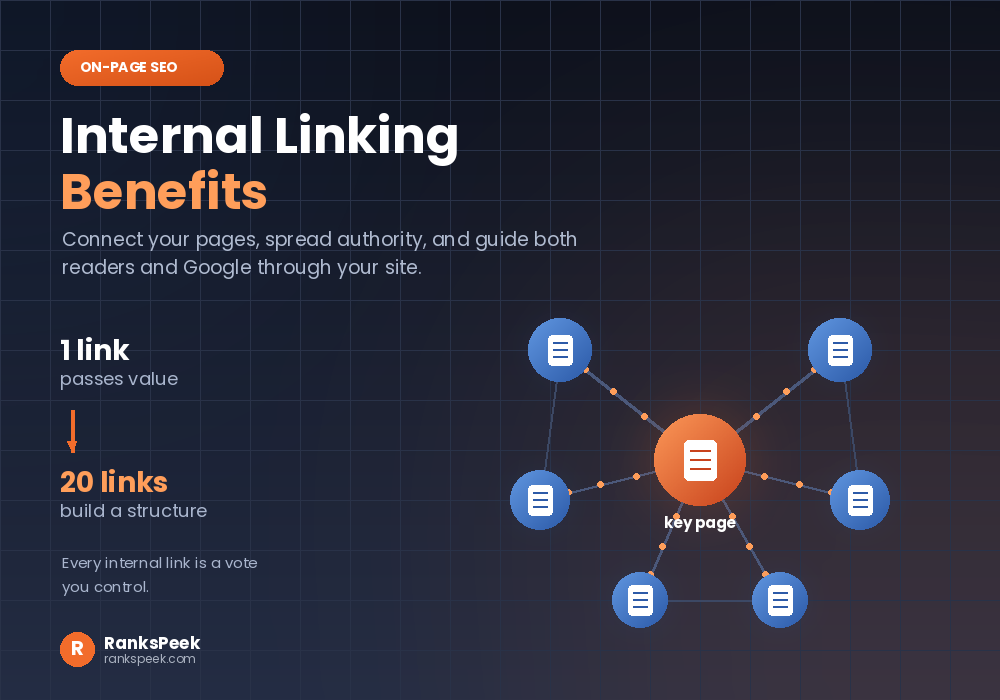 Internal Linking Benefits: Why They Matter for SEOInternal Linking Benefits are some of the easiest wins in all of SEO, because they cost nothing and you contro…