IP / Domain Location
Find where a website is hosted
IP and Website Location Checker. Find Where Any Site Is Hosted
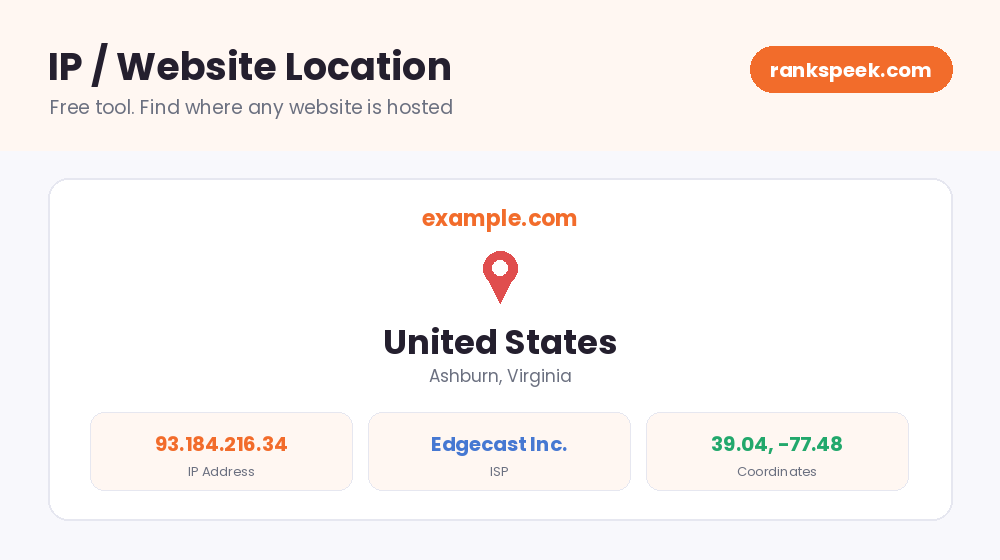
An IP and website location checker tells you where a website's server physically lives. You enter any domain or IP address, and the tool shows its IP, country, region, city, internet provider (ISP), and even map coordinates. This is useful far more often than people expect: checking your own host, judging why a site feels slow, researching a suspicious website, or simply learning who is behind an IP. Our free tool gives you the full picture in seconds, with no signup.
IP and website location means the physical place where a website's server is hosted, found through its IP address. Every website lives on a server, and every server has an IP address. Location databases map that IP to a country, region, city, and internet provider. An IP location checker reads this data and shows you where any site is hosted.
What Is an IP Address?
An IP address is a unique number given to every device and server connected to the internet, such as 93.184.216.34. It works like a postal address for computers: when you open a website, your browser uses DNS to translate the domain name into its IP address, then connects to the server at that address. Because IP ranges are assigned to specific providers and regions, an IP address also carries clues about where that server is located and who operates it.
How an IP Location Lookup Works
The process behind the tool is simple and fully automatic:
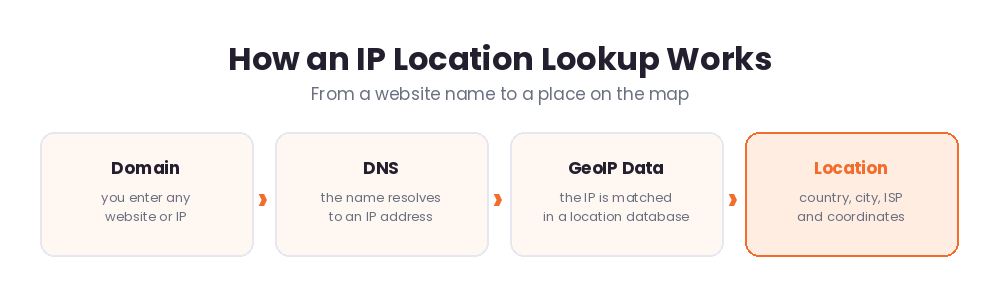
- Step 1. Enter a domain or IP. Type any website name or IP address in the box above.
- Step 2. DNS resolution. The domain name is converted into its server's IP address.
- Step 3. GeoIP matching. The IP is looked up in a location database that maps IP ranges to places and providers.
- Step 4. Results. You see the country, region, city, ISP, organization, and coordinates.
What Our IP and Website Location Tool Shows
For any domain or IP, the tool reports:
- IP address of the website's server.
- Country, region, and city where that server is located.
- ISP and organization that operate the server or network.
- AS number, the network identifier used by internet providers.
- Coordinates (latitude and longitude) of the estimated location.
Why Check a Website's Location?
Server location affects more than curiosity. Here is where it genuinely helps:
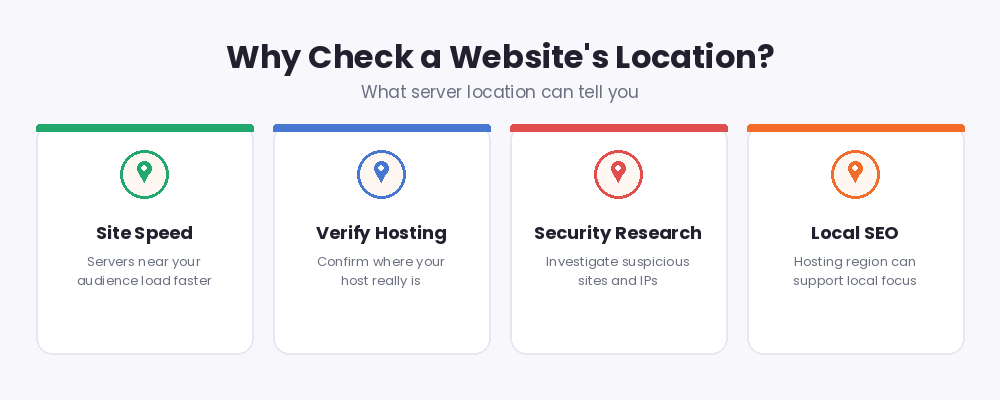
- Site speed. The farther your server is from your visitors, the slower pages load. If your audience is in the US but your server is far away, that distance costs you speed.
- Verify your hosting. Hosts sometimes advertise one region but serve from another. A quick check confirms where your site really lives.
- Security research. When you investigate a suspicious site, email source, or IP, its location and provider are key first clues.
- Competitor research. See which providers and regions competitors use for their hosting.
- Local focus. For a local audience, hosting in or near that country keeps the experience fast and reliable.
How Accurate Is IP Location?
An honest answer matters here. IP location is very reliable at the country level, usually reliable at the region level, and approximate at the city level. The coordinates point near the server's area, not to an exact building. Also note two special cases. First, sites behind a CDN or proxy service show the CDN's server location, not the origin server. Second, the location is the server's place, not the website owner's home country. A business in Pakistan can host in Germany, and that is completely normal.
IP and Website Location in 2026
Location checks are more relevant than ever in 2026. Most popular websites now sit behind CDNs that serve visitors from the nearest data center, so a lookup often shows the nearest edge server rather than one fixed home. Privacy rules also mean databases focus on network-level data rather than personal details, so a lookup identifies providers and places, never individual people. The practical takeaway: use IP location as a fast, reliable read on a site's hosting setup, and remember that CDN-powered sites are designed to appear close to everyone.
Tips for Using Location Data Wisely
- Choose hosting in or near the country where most of your visitors live.
- If your server is far from your audience, a CDN can close the speed gap.
- Treat city-level results as approximate; trust the country and provider most.
- When researching suspicious sites, combine the location with other checks like domain age.
Related Free SEO Tools on RanksPeek
Use these other free tools to research any domain in depth. Just click any button to open it:
Helpful resource: To understand how domain names connect to IP addresses, read Cloudflare's guide to how DNS works →
Frequently Asked Questions
What does an IP and website location checker do?
It finds the IP address behind any domain and shows where that server is located, including the country, region, city, internet provider, and coordinates.
How accurate is the location?
Country-level results are very reliable. Region and city results are good estimates, but not exact addresses. Treat coordinates as the general area of the server.
Why does a website show a different country than its owner?
The tool shows where the server is hosted, not where the owner lives. Many businesses host abroad for better performance or pricing, which is completely normal.
Why do some sites show a CDN location?
Sites behind services like a CDN or proxy answer from the nearest edge server. In that case the lookup shows the CDN's location rather than the site's origin server.
Can I look up an IP address directly?
Yes. You can enter either a domain name like example.com or a raw IP address like 8.8.8.8, and the tool will locate it the same way.
Enter any domain or IP above and see exactly where it lives on the map.
From our Blog
 AI Schema Markup Generator: How to Use It SafelyAn AI Schema Markup Generator takes a page you already have and writes the structured data code for it, so sea…
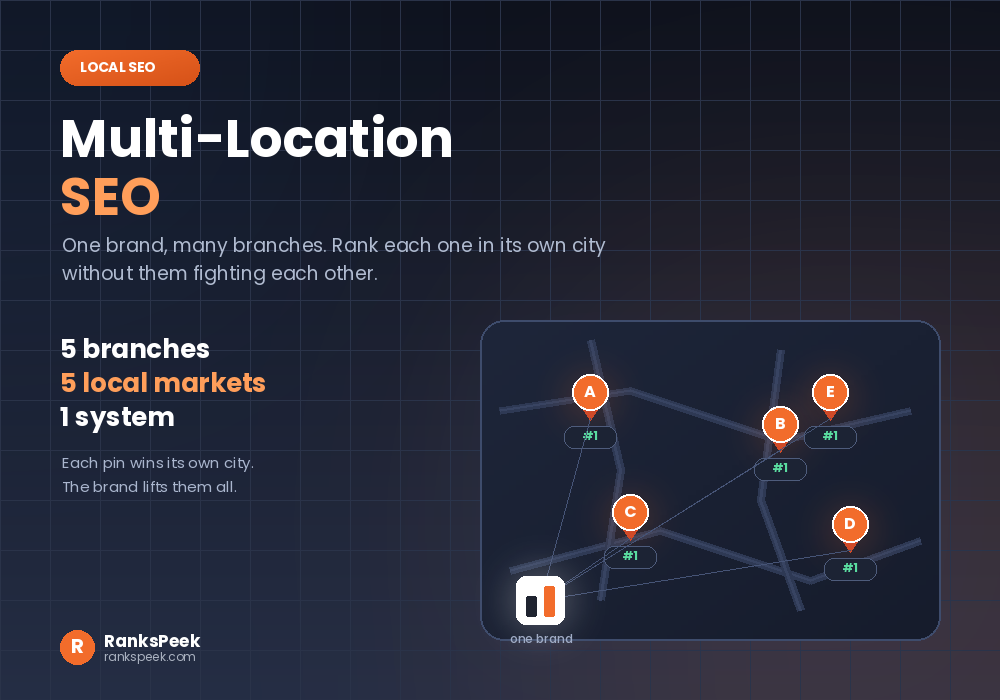 Multi-Location SEO: Rank Every Branch in Its Own CityMulti-location SEO is what local SEO turns into once a business has more than one branch. One shop means one G…
 Does HTTPS Affect SEO? The Honest Answer for 2026Does HTTPS affect SEO is a question with a short answer and a long footnote. Yes, it does. HTTPS has been a ra…