Backlink Checker
See who links to any website
Best Free Backlink Checker Tool — Analyze Any Site’s Links
Finding the best backlink checker tool free of charge means getting a clear view of the links pointing to any website — without paying for an expensive subscription. Backlinks are one of the strongest signals search engines use to decide which pages to trust, so knowing who links to your site (and your competitors’) is a core part of SEO. A good free backlink checker shows you those links and the key numbers behind them, so you can spot strengths, weaknesses, and new opportunities at a glance.
What Is a Backlink Checker?
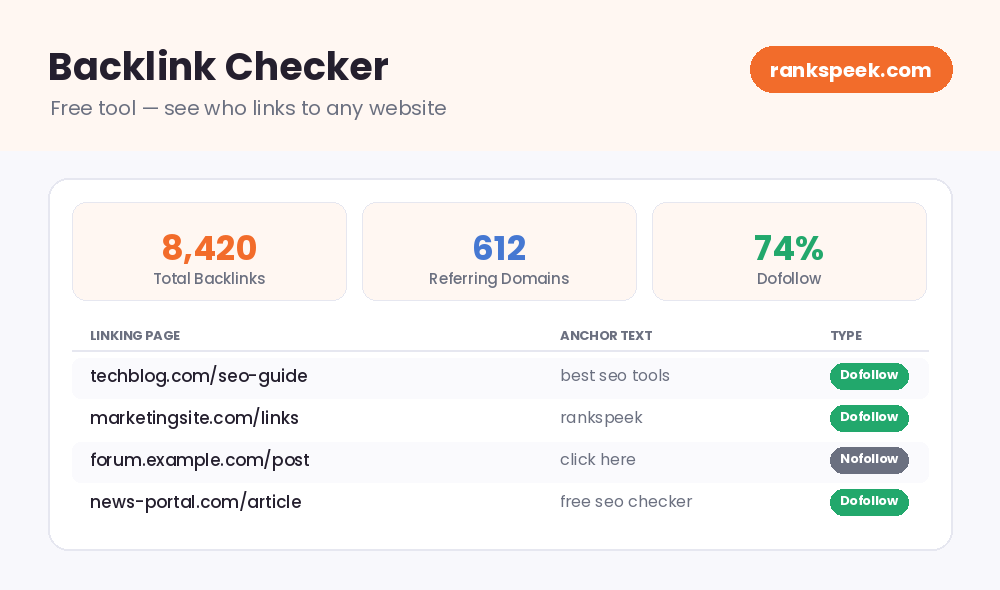
A backlink checker is a tool that finds and lists the external links pointing to a website. You enter a domain, and the tool reports which pages link to it, the anchor text they use, and metrics like how many total backlinks and unique referring domains the site has. Backlinks act like recommendations: when a trusted site links to a page, it passes along a vote of confidence that can help that page rank. A backlink checker turns those scattered links into a single, readable report.
Why Check Your Backlinks?
Checking backlinks is not just busywork — it directly affects how well your site performs in search. Here is why it matters:
- Understand your rankings — pages with strong, relevant backlinks often rank higher, so your link profile helps explain why some pages win and others do not.
- Spot risky links — a sudden batch of spammy links can hurt you, and you can only fix what you can see.
- Study competitors — checking a competitor’s backlinks shows where their authority comes from and where you can catch up.
- Find new opportunities — sites that link to your rivals are natural targets for your own outreach.
- Track your progress — watching links grow over time tells you whether your SEO work is paying off.
What a Good Backlink Checker Shows You
The best free backlink checkers go beyond a plain list of links. Look for these key data points:
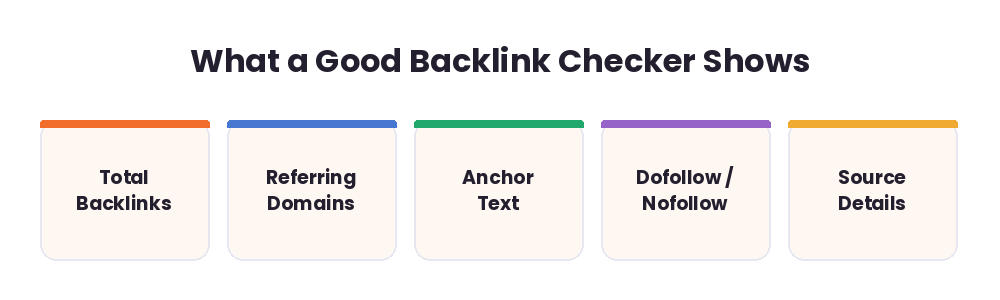
- Total backlinks — the overall number of links pointing to the site.
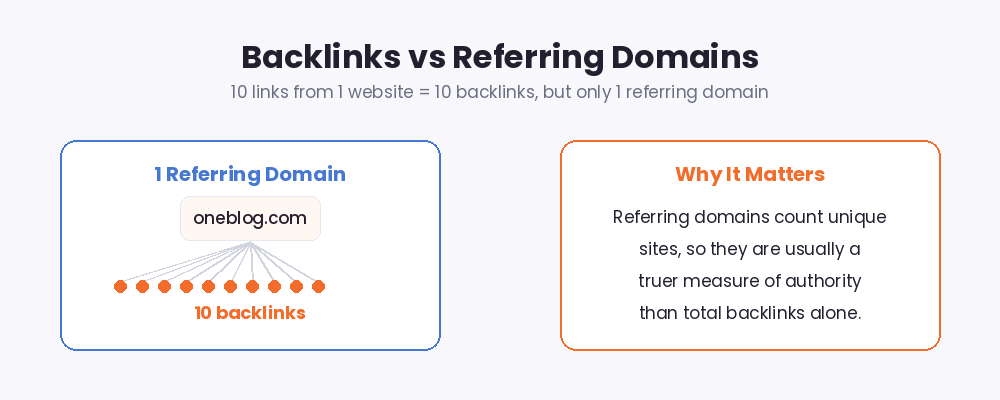
- Referring domains — how many unique websites link to it (often more telling than total backlinks).
- Anchor text — the clickable words used in each link, which hint at relevance.
- Dofollow vs nofollow — whether a link passes ranking signals or not.
- Link source details — the linking page and how strong it is.
How to Use Backlink Data Strategically
Once you can see the links, the real value is in how you act on them:
- Check your strongest pages. If an important page has very few referring domains, that often explains weak rankings — and points to where you need links.
- Benchmark against competitors. Compare your referring domains and total backlinks with rivals to measure the gap.
- Find link prospects. Identify sites that link to competitors but not to you; they already cover your topic, so they are warm targets.
- Recover lost links. Spot valuable links that disappeared and reach out to restore them — usually easier than earning brand-new ones.
- Learn what earns links. See which content attracts the most links, then create your own, better version.
What Makes the Best Free Backlink Checker Tool?
Not every free tool is worth your time. When you compare options, look for:
- No signup required — the best free tools let you check a domain instantly.
- Useful metrics together — total backlinks, referring domains, anchor text, and link type in one clear report.
- Competitor checks — the ability to analyze any public domain, not just your own.
- Readable results — a clean layout you can actually understand at a glance.
Backlinks in 2026
Backlinks remain a top ranking factor in 2026, but quality matters far more than quantity. Search engines have grown better at spotting manipulative or low-value links, and they increasingly reward trustworthy sources and genuinely helpful content. As AI-generated overviews summarize answers at the top of search results, links from credible, relevant sites help establish the authority that both search engines and AI systems look for. The takeaway: chase fewer, better links — a handful from respected, on-topic sites beats hundreds of weak ones.
Tips for Building Better Backlinks
- Earn links from relevant, trusted sites in your own niche.
- Create genuinely useful content that other sites want to reference.
- Avoid paid link schemes and link farms — they can do more harm than good.
- Use natural, varied anchor text rather than the same exact phrase everywhere.
- Re-check your backlink profile regularly to catch new links and spot toxic ones early.
Related Free SEO Tools on RanksPeek
Use these other free tools to measure a domain’s authority and link health — just click any button to open it:
Helpful resource: To understand how Google views links, read the Google Search Central documentation →
Frequently Asked Questions
Is this backlink checker free to use?
Yes. The RanksPeek backlink checker is free — you will be able to check any domain’s backlinks without creating an account or paying.
What is the difference between backlinks and referring domains?
Total backlinks counts every link pointing to a site, while referring domains counts the unique websites those links come from. Ten links from one site equal ten backlinks but only one referring domain.
Can I check a competitor’s backlinks?
Yes. You can analyze any public domain, which makes it easy to compare your link profile against your competitors’.
Why do backlink numbers differ between tools?
Each tool crawls the web with its own crawler and database, so totals vary. Use one tool consistently to track trends rather than comparing raw numbers across tools.
Do all backlinks help my SEO?
No. Links from trusted, relevant sites help most, while spammy or irrelevant links add little and can sometimes hurt. Quality beats quantity every time.
A clear view of your backlinks is the first step toward a stronger, more trusted website.
From our Blog
 AI Schema Markup Generator: How to Use It SafelyAn AI Schema Markup Generator takes a page you already have and writes the structured data code for it, so sea…
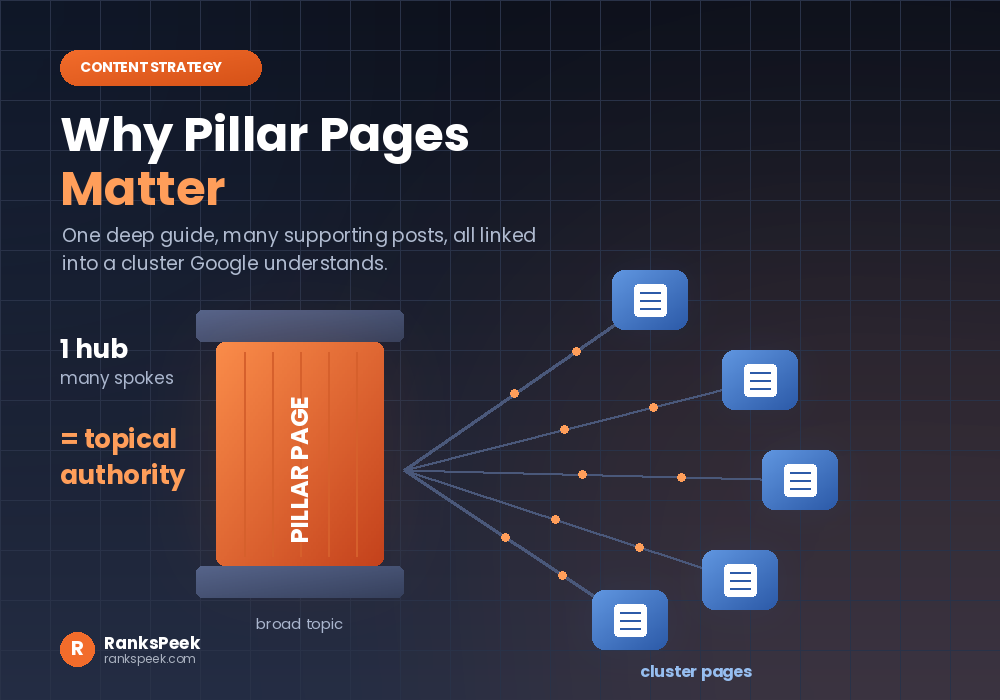 Why Pillar Pages Matter: The SEO Case for Topic ClustersWhy Pillar Pages Matter comes down to one idea: Google rewards depth, and a pillar page is how you prove it. A…
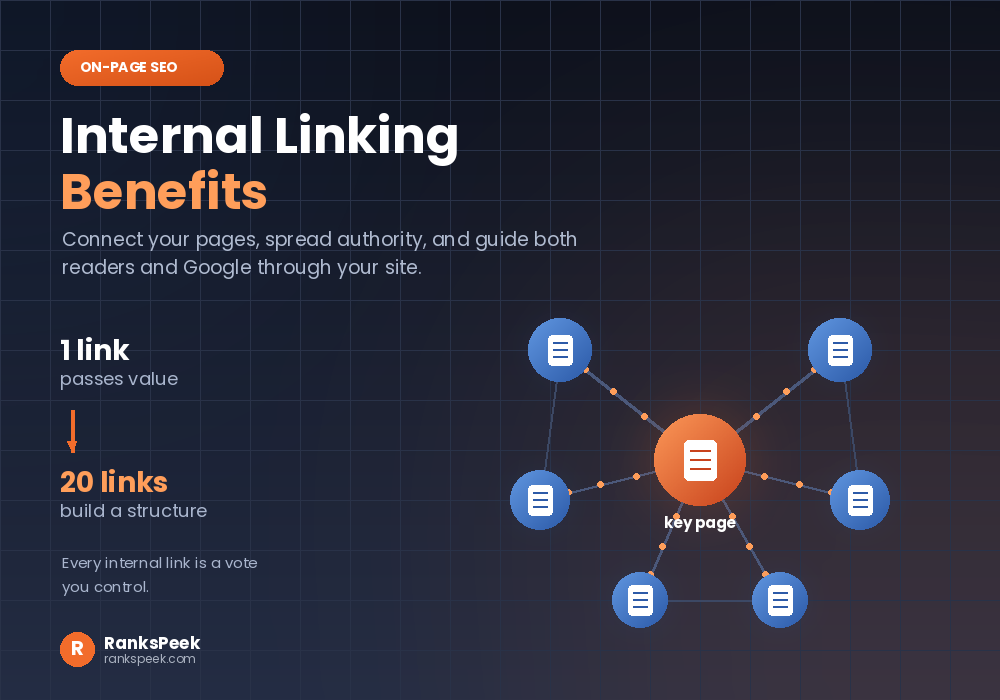 Internal Linking Benefits: Why They Matter for SEOInternal Linking Benefits are some of the easiest wins in all of SEO, because they cost nothing and you contro…