Domain Age Checker
See when a domain was first registered
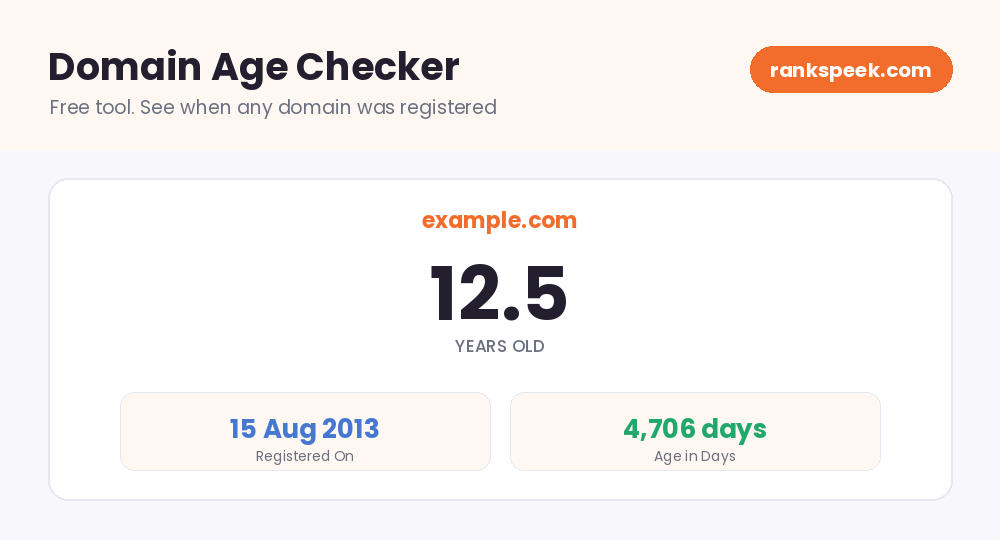
Website Domain Age Checker. See When Any Domain Was Registered
A website domain age checker tells you exactly when a domain name was first registered and how old it is today. You enter any domain, and the tool shows its creation date along with its age in years and days. Domain age is a small but useful signal: it helps you judge how established a website is, research competitors, and check a domain's history before you buy it. Our free checker gives you the answer in seconds, with no signup.
Domain age is the amount of time that has passed since a domain name was first registered. For example, a domain registered in August 2013 is about 12.5 years old today. A domain age checker finds this date in the domain's public WHOIS record and calculates the age in years and days.
What Is a Domain Age Checker?
A domain age checker is a tool that looks up when a domain name was created. Every registered domain has a public record, called a WHOIS record, kept by the registry that manages it. That record includes the domain's creation date. The checker reads this record, finds the creation date, and turns it into an easy answer: the exact registration date plus the domain's age in years and days. No manual digging through raw WHOIS text is needed.
How Domain Age Is Found
The process is simple and fully automatic:
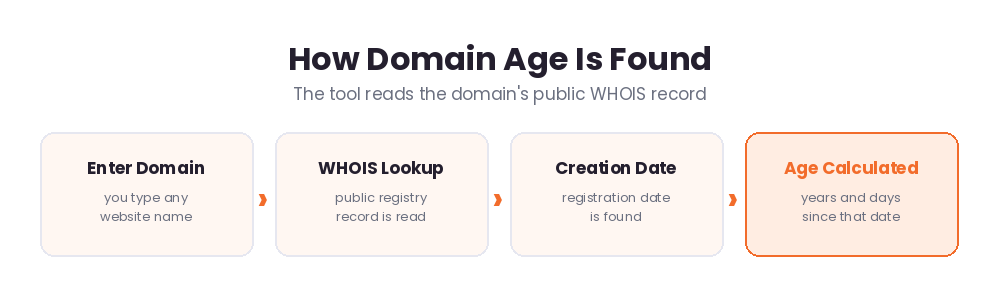
- Step 1. Enter a domain. Type any website name, like example.com, in the box above.
- Step 2. WHOIS lookup. The tool reads the domain's public registry record.
- Step 3. Creation date. The registration date is pulled from that record.
- Step 4. Age calculated. You see the date plus the age in years and days.
Does Domain Age Affect SEO?
This deserves an honest answer. Google has said that domain age itself is not a ranking factor, so an old domain does not rank better just because it is old. What actually helps is everything that tends to come with age: years of quality content, a strong backlink profile, and an established reputation. A ten-year-old site usually has far more links and trust signals than a one-month-old site, and those are what move rankings. So treat domain age as a quick indicator of how established a site is, not as a magic ranking number.
Why Check a Domain's Age?
Even though age alone is not a ranking factor, checking it is genuinely useful:
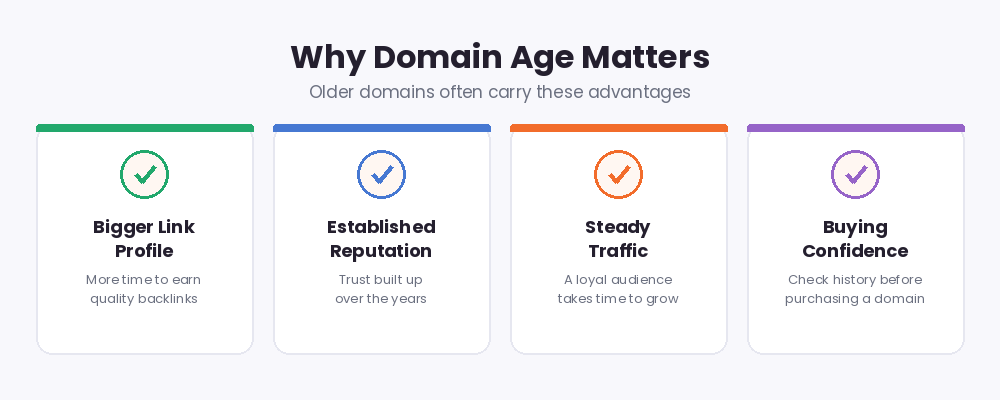
- Sizing up competitors. Knowing a rival has a 15-year head start helps you set realistic expectations and strategy.
- Buying a domain. Before purchasing an aged domain, verify its real registration date and history.
- Vetting link prospects. A long-established site is often a safer, more trustworthy place to earn a link from.
- Spotting fake claims. Sellers sometimes claim a domain is older than it really is. A quick check reveals the truth.
- Research and curiosity. It is simply useful to know how long any website has been around.
Domain Age vs Website Age
These two are not always the same, and the difference matters. Domain age counts from the day the domain name was registered. Website age counts from when actual content went live on it. A domain could be registered in 2010 but sit empty for years before a website launched on it. When you evaluate a site, the domain's registration date gives you the starting point, but the site's content history tells the fuller story. For buyers of aged domains, both are worth checking.
Domain Age in 2026
In 2026, search engines judge websites mainly on content quality, helpfulness, and trust signals rather than raw age. Still, domain age remains a handy shortcut when you research the web. Established domains tend to have deeper link profiles and stronger reputations, and buyers continue to pay a premium for genuinely aged domains with clean histories. The smart approach: use a domain age check as one quick data point alongside authority metrics, backlinks, and content quality, and never judge a site on age alone.
Tips for Using Domain Age Wisely
- Pair the age check with authority metrics like DA and PA for a fuller picture.
- When buying an aged domain, also check its backlink history for spam.
- Do not be discouraged by young competitors' domains; content quality can beat age.
- Remember that some registries hide creation dates, so a missing date is not suspicious by itself.
Related Free SEO Tools on RanksPeek
Use these other free tools to research any domain in depth. Just click any button to open it:
Helpful resource: To look up official WHOIS records directly, visit ICANN Lookup, the official domain record service →
Frequently Asked Questions
What is domain age?
Domain age is the time that has passed since a domain name was first registered. It is calculated from the creation date in the domain's public WHOIS record.
Is domain age a Google ranking factor?
No. Google has said domain age itself does not improve rankings. However, older domains often have more backlinks, content, and trust built up over time, and those do help.
How accurate is a domain age checker?
It reads the official WHOIS record, so the creation date is accurate for most domains. Some registries hide or limit this data, in which case the date may be unavailable.
Can I check the age of any domain?
You can check most domains. A few country-code extensions and privacy-protected records do not publish a creation date, so results can occasionally be missing.
Why would I check a domain's age before buying it?
Sellers sometimes claim a domain is older than it really is. A quick age check verifies the true registration date, so you know exactly what you are paying for. It takes seconds and can save you from an expensive mistake.
Enter any domain above and find out exactly how long it has been on the web.
From our Blog
 AI Schema Markup Generator: How to Use It SafelyAn AI Schema Markup Generator takes a page you already have and writes the structured data code for it, so sea…
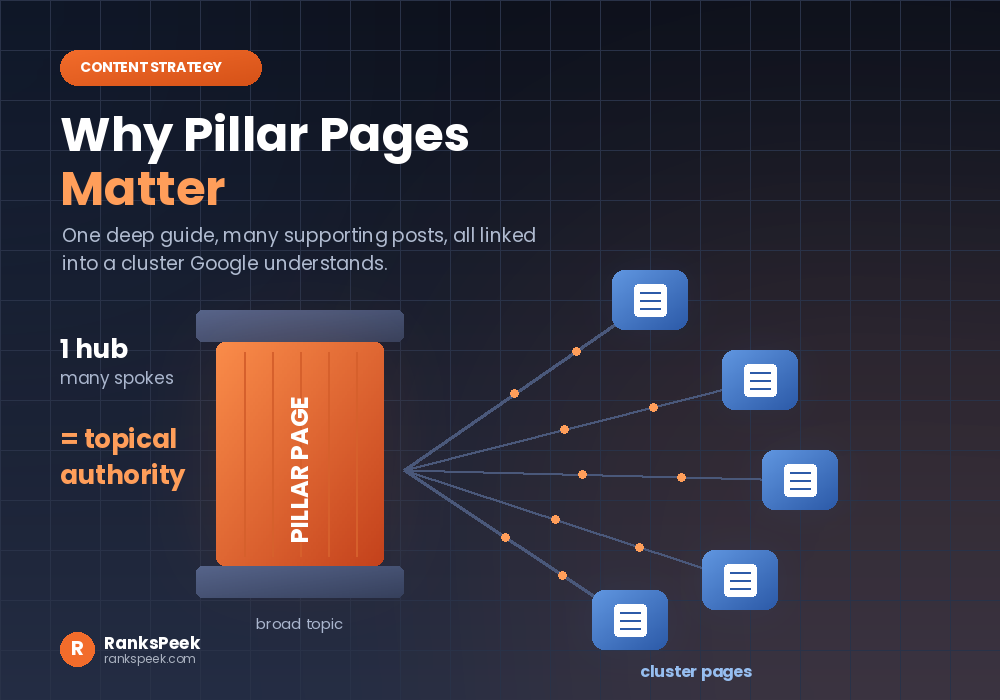 Why Pillar Pages Matter: The SEO Case for Topic ClustersWhy Pillar Pages Matter comes down to one idea: Google rewards depth, and a pillar page is how you prove it. A…
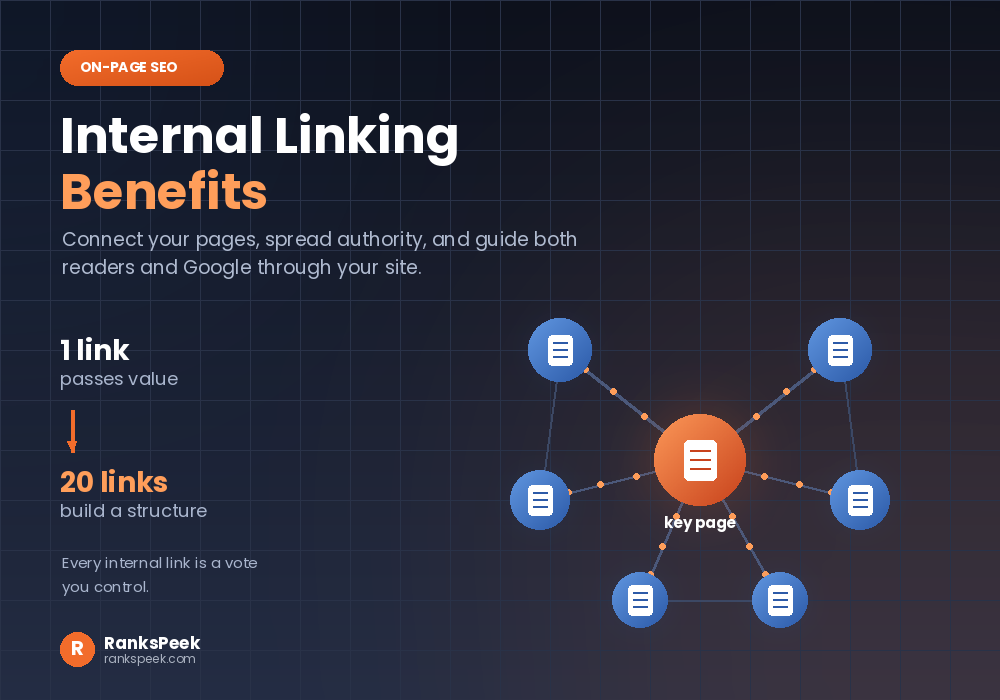 Internal Linking Benefits: Why They Matter for SEOInternal Linking Benefits are some of the easiest wins in all of SEO, because they cost nothing and you contro…