On-Page SEO Checker
Enter a URL to get a full SEO report and score
Free Website SEO Checker Tool — Instant Page Audit
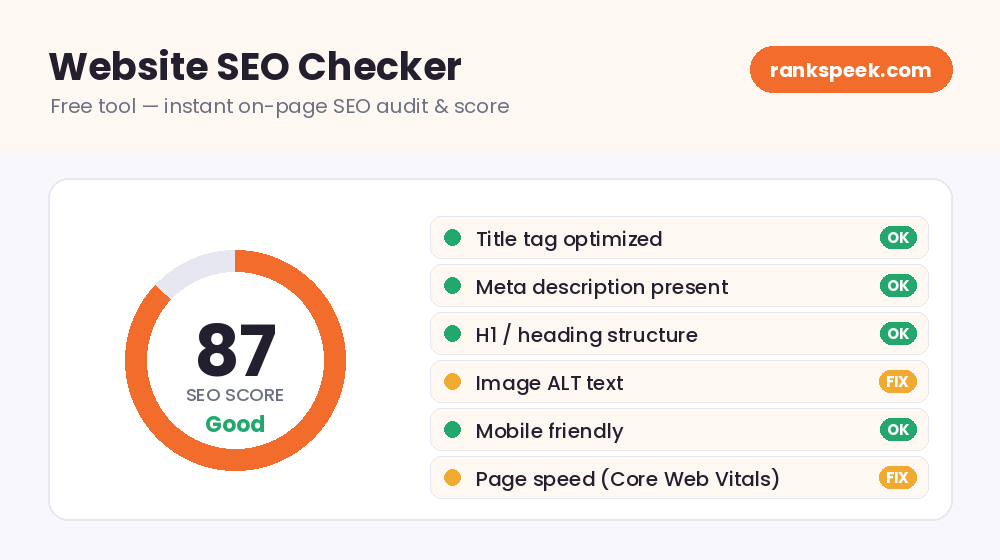
A website SEO checker free tool takes the guesswork out of search engine optimization. Instead of wondering why a page is not ranking, you paste in a URL and get a clear, instant report on what is helping your SEO and what is holding it back. The RanksPeek free SEO checker scans the on-page signals that search engines actually use, gives your page a score out of 100, and shows you exactly what to fix — no signup, no credit card, and no limits.
What Is a Website SEO Checker?
A website SEO checker is a tool that analyzes a web page and reports how well it follows search engine best practices. It reads the page the same way a search engine crawler does — looking at the title tag, meta description, headings, keyword usage, images, links, and loading speed — and then turns those findings into a simple score with practical recommendations.
Think of it as a quick health check for your page. A doctor measures your blood pressure and heart rate to spot problems early, and a free website SEO checker measures your title length, heading structure, and page speed to catch the issues that quietly push your rankings down. The biggest advantage is speed: a manual audit can take an hour, while this tool delivers the same on-page insights in just a few seconds.
Why Use a Free Website SEO Checker Tool?
Search engines reward pages that are fast, relevant, and easy to understand. The trouble is that small, invisible mistakes — a missing meta description, a duplicate heading, an oversized image — add up and quietly cost you traffic. A website SEO checker free tool brings those mistakes to the surface so you can fix them before they hurt your rankings. Here is what it helps you do:
- Find on-page issues fast — spot missing tags, thin content, weak structure, and slow elements in a single scan.
- Improve your Google rankings — fixing on-page problems is one of the cheapest and fastest ways to climb search results.
- Save time — get a full on-page review in seconds instead of checking every element by hand.
- Learn as you go — each recommendation explains what to change, so beginners build real SEO skills over time.
- Study competitors — run any public URL to see how stronger pages are built and structured.
What Our Free SEO Checker Analyzes
The RanksPeek free SEO checker reviews the on-page elements that influence how a page ranks. Every scan covers eight key areas:
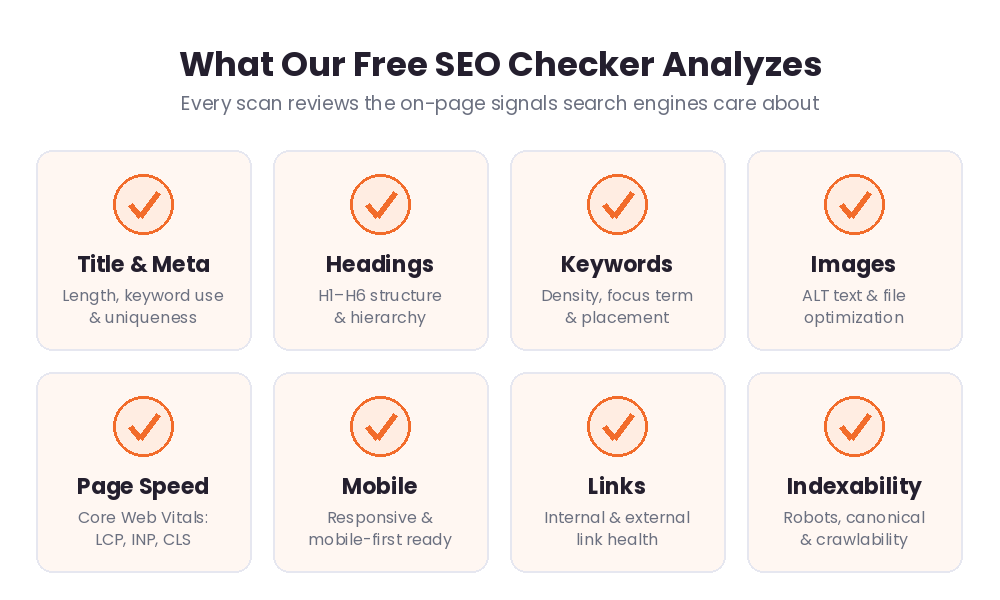
- Title & meta tags — checks that your title and meta description exist, sit within a good length, and include your target keyword.
- Headings — reviews your H1 to H6 structure so search engines can follow your content hierarchy.
- Keyword usage — looks at how often and where your focus keyword appears. You can dig deeper with our Keyword Density Checker.
- Images — flags images that are missing ALT text or are too large and slow to load.
- Page speed — points you toward speed issues; test them in detail with our PageSpeed Insights tool.
- Mobile friendliness — confirms your page works well on phones, which is essential under mobile-first indexing.
- Links — reviews your internal and external links for a clean, healthy structure.
- Indexability — checks the basic signals that tell search engines whether a page can be crawled and indexed.
How to Use the Free SEO Checker Tool
You do not need any technical knowledge to run a scan. Just follow these simple steps:
- Step 1 — Enter your URL. Paste the full address of the page you want to check into the box at the top of this page.
- Step 2 — Run the scan. Click the button and the tool reads your page in seconds.
- Step 3 — Review your score. You will get an overall SEO score from 0 to 100, plus a breakdown of what passed and what needs work.
- Step 4 — Fix the issues. Work through the recommendations one by one, starting with anything marked as a problem.
- Step 5 — Re-check. After making your changes, scan the page again to confirm your score improved.
Understanding Your SEO Score
Your SEO score is a single number that sums up how well your page follows on-page best practices. Higher is better, and the goal is to reach 80 or above.
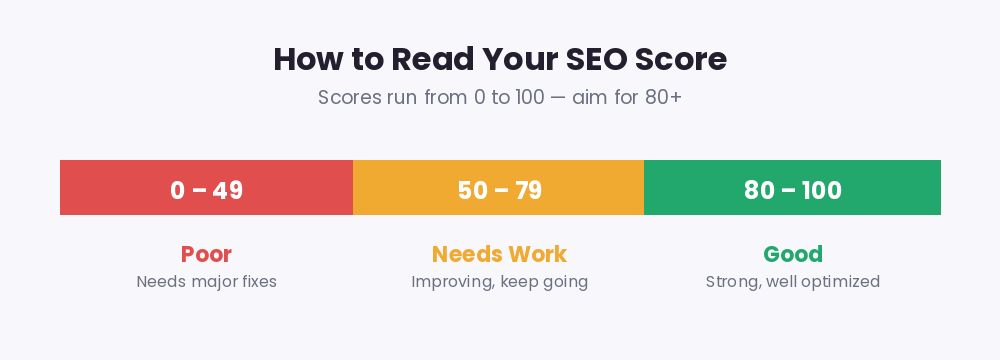
A low score does not mean your page is hopeless — it simply means there is room to grow. Most pages move from "needs work" to "good" by fixing a handful of common issues: writing a proper title and meta description, adding one clear H1, compressing images, and improving load speed.
SEO Checker and Google’s 2026 Ranking Signals
On-page SEO keeps evolving, and a modern website SEO checker reflects that. In 2026, page experience matters more than ever. Google measures real-world performance through Core Web Vitals — three metrics that score how your page loads and responds:
- Largest Contentful Paint (LCP) — how quickly your main content appears. Aim for under 2.5 seconds.
- Interaction to Next Paint (INP) — how fast your page responds when users tap or click. INP replaced the older First Input Delay metric in 2024. Aim for under 200 milliseconds.
- Cumulative Layout Shift (CLS) — how visually stable your page stays as it loads. Aim for under 0.1.
These are confirmed ranking signals, and because most browsing now happens on mobile, your phone scores carry real weight. Clean structure also helps you appear in Google’s AI-generated overviews, which increasingly summarize answers at the top of search results. Pages that load fast and use clear headings give both search engines and AI systems the easiest path to your content.
Tips to Improve Your SEO Score
- Write a unique title under about 60 characters with your main keyword near the front.
- Add a compelling meta description of roughly 150 to 160 characters.
- Use one H1 per page and organize the rest of your content with H2 and H3 subheadings.
- Add descriptive ALT text to every image and compress large files for faster loading.
- Build internal links between related pages and keep your most important pages easy to crawl.
Related Free SEO Tools on RanksPeek
Use these other free tools to complete your SEO audit — just click any button to open it:
Helpful resource: For the official guidelines straight from Google, read the Google Search Central documentation →
Frequently Asked Questions
Is this website SEO checker really free?
Yes. The RanksPeek SEO checker is completely free to use, with no signup and no usage limits. You can scan as many pages as you like.
Do I need any technical skills to use it?
No. You only paste a URL and read the results. Every recommendation is written in plain language, so complete beginners can follow along.
Can I check any website with this tool?
You can run a scan on any public page, including competitor pages. It is a great way to learn how well-ranking sites structure their content.
How often should I check my SEO?
Run a scan whenever you publish or update a page, and review your most important pages every few weeks so you catch new issues early.
Will a good SEO score guarantee top rankings?
A strong score gives your page a solid foundation, but rankings also depend on content quality, backlinks, and competition. Treat your SEO score as the on-page part of the job — an essential first step, not the whole picture.
Ready to see where your page stands? Enter your URL above and run a free scan with the RanksPeek website SEO checker to get your score and your next steps in seconds.
From our Blog
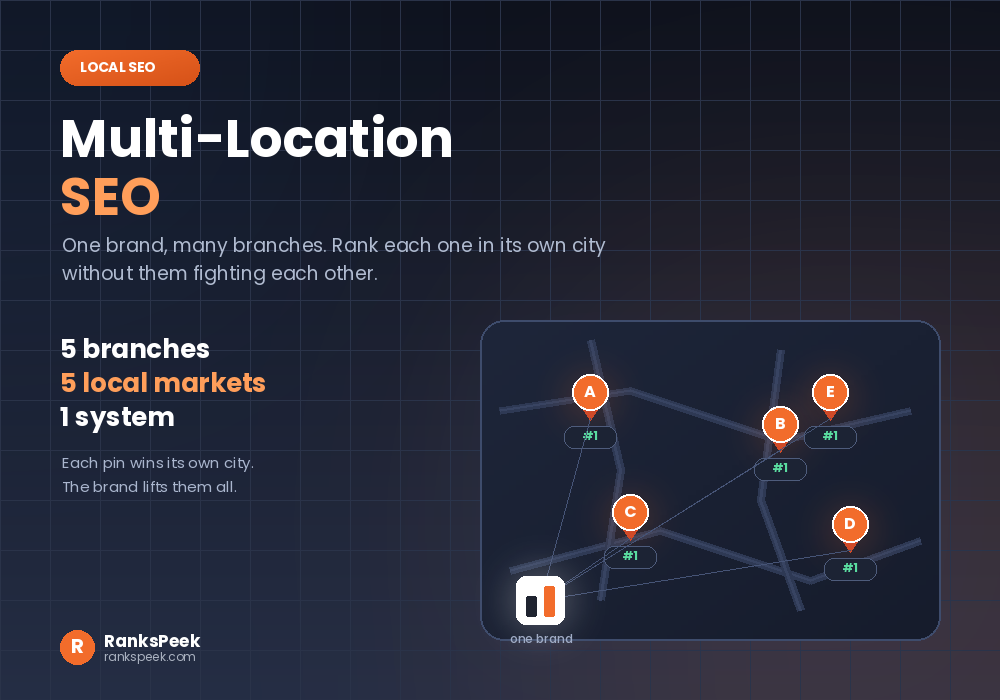 Multi-Location SEO: Rank Every Branch in Its Own CityMulti-location SEO is what local SEO turns into once a business has more than one branch. One shop means one G…
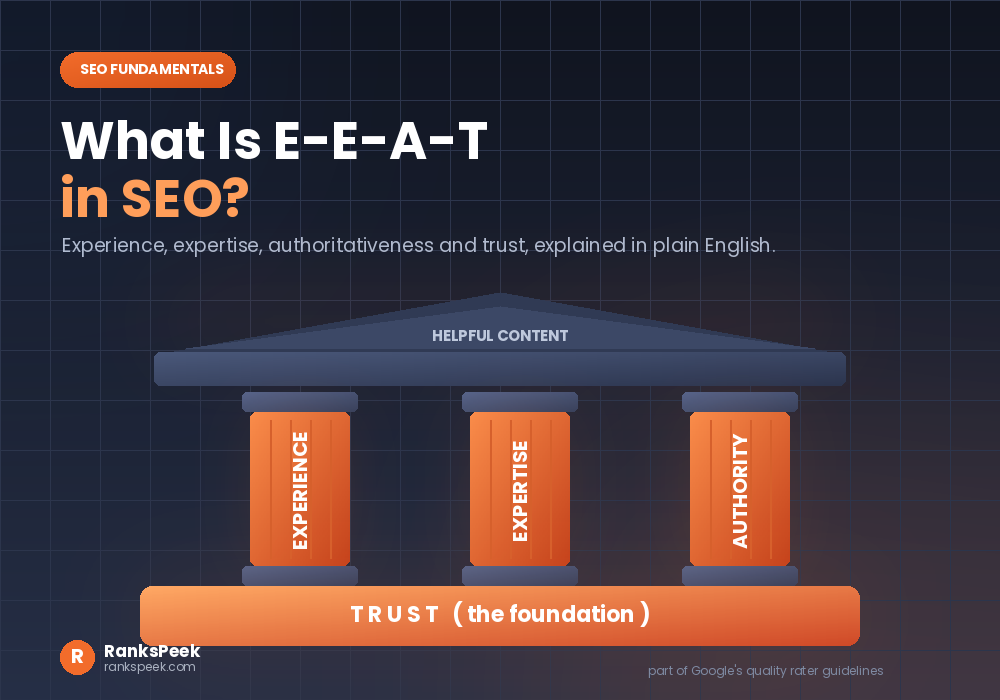 What Is E-E-A-T in SEO? Meaning and How to ImproveWhat is E-E-A-T in SEO is one of the first questions people ask when a page refuses to rank. So here is the pl…
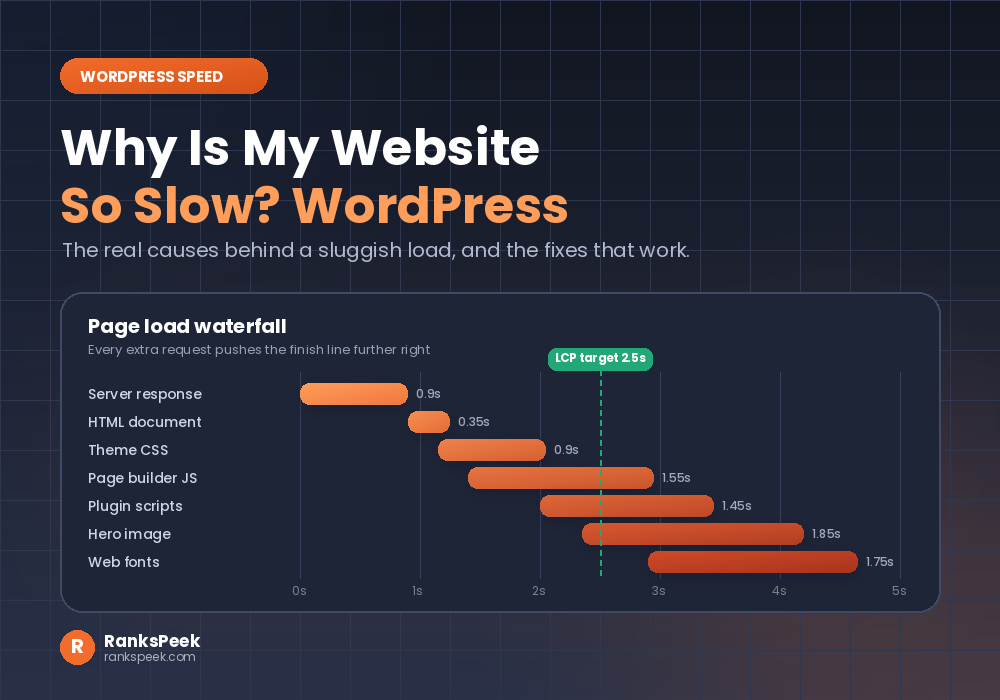 Why Is My Website So Slow WordPress? Causes and FixesWhy is my website so slow WordPress is the question you type at midnight, right after a visitor complains. You…