PageSpeed Insights
Test your website speed (powered by Google)
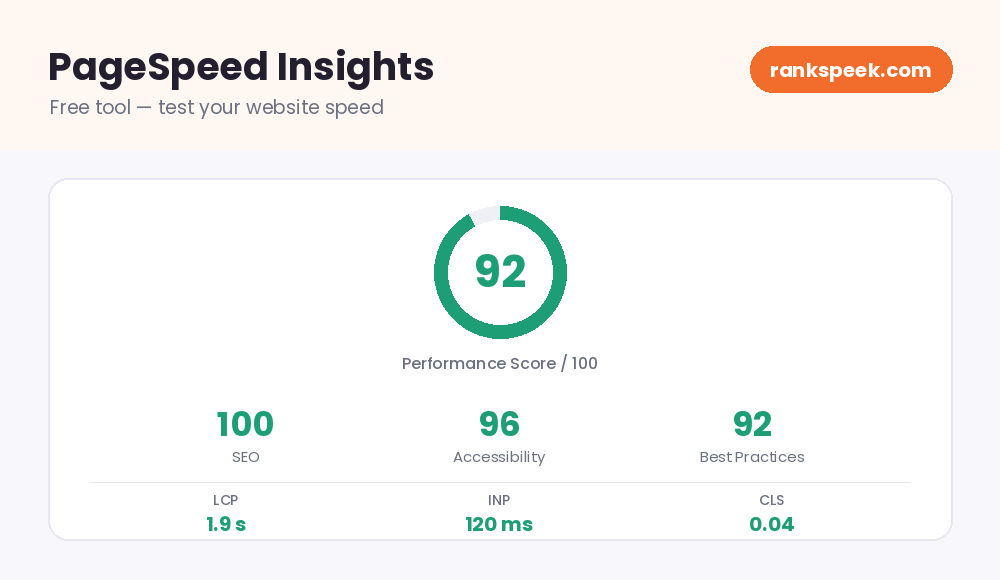
PageSpeed Insights — Free Tool to Test & Improve Site Speed
A PageSpeed Insights free tool shows you how fast a web page loads and gives clear, actionable tips to make it faster. Site speed affects everything — how long visitors stay, how many convert, and even how well pages rank in Google. With a free PageSpeed test, you enter a URL and get a performance score plus a list of what is slowing the page down, for both mobile and desktop. This guide explains what the scores mean and how to improve them.
PageSpeed Insights is a free tool that measures how fast a web page loads and rates its performance on a 0–100 scale. It checks both mobile and desktop, reports Google’s Core Web Vitals, and lists specific fixes — like compressing images or reducing unused code — to help the page load faster and offer a better user experience.
What Is a PageSpeed Insights Tool?
A PageSpeed Insights tool analyzes a web page and reports how quickly it loads and responds. You enter a URL, and it returns a performance score from 0 to 100 along with detailed feedback. The results combine two types of data: lab data (a controlled test) and, where available, real-world data from actual visitors. Together they show not just how fast the page is in theory, but how real people experience it.
Understanding Your PageSpeed Score
Your score runs from 0 to 100, and it is usually grouped into three bands:
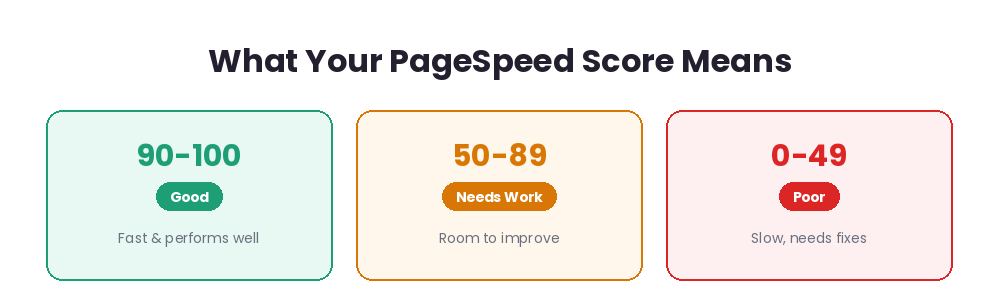
- 90–100 (Good) — the page is fast and performs well.
- 50–89 (Needs improvement) — it works, but there is clear room to speed things up.
- 0–49 (Poor) — the page is slow and needs real fixes.
Two things to keep in mind. First, mobile scores are often lower than desktop, because mobile devices and networks are slower — always check both. Second, the score is a weighted mix of several speed signals, so some issues affect it more than others. Do not chase a perfect 100; aim for a fast, smooth experience.
Core Web Vitals Explained
Core Web Vitals are the key metrics Google uses to judge real-world page experience — and they are part of its ranking signals. The main ones are:
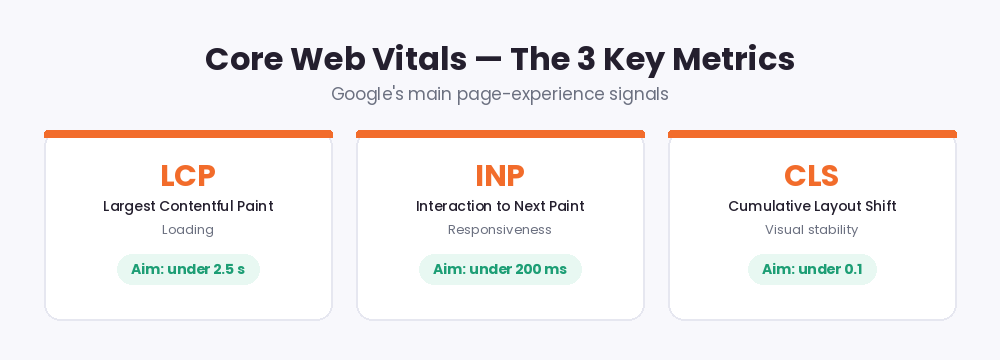
- Largest Contentful Paint (LCP) — how long the biggest visible element takes to load. Aim for under 2.5 seconds.
- Interaction to Next Paint (INP) — how quickly the page responds to clicks and taps across a visit. Aim for under 200 milliseconds. INP replaced the older First Input Delay metric in 2024.
- Cumulative Layout Shift (CLS) — how much the layout jumps around as it loads. Aim for under 0.1.
Other useful signals include First Contentful Paint (FCP), which marks when the first content appears, and Time to First Byte (TTFB), which measures how quickly the server responds.
Why Site Speed Matters for SEO
Speed is not just a nice-to-have. A slow page frustrates visitors, and many leave before it even finishes loading. Google has made page experience part of its ranking system, so a fast, stable site can help you rank — while a slow one can hold you back. Faster pages also keep people engaged longer and tend to convert better. In short, improving speed helps both your users and your search visibility at the same time.
How to Use the Free PageSpeed Tool
You do not need any technical skill:
- Step 1 — Enter a URL. Type the page you want to test into the box above.
- Step 2 — Run the test. The tool analyzes the page for both mobile and desktop.
- Step 3 — Read your score. See your performance score and Core Web Vitals at a glance.
- Step 4 — Fix the flagged issues. Work through the suggestions, starting with the biggest wins.
How to Improve Your PageSpeed Score
The good news: most speed problems have straightforward fixes. Here are the highest-impact ones:
- Compress and resize images. Oversized images are the number-one cause of slow pages. Use modern formats like WebP and set width and height to avoid layout shifts.
- Minify and defer code. Remove unused CSS and JavaScript, and delay non-essential scripts so they do not block loading.
- Enable caching and compression. Caching and GZIP or Brotli compression can cut load time by seconds.
- Use lazy loading. Load images only as visitors scroll to them, keeping the first load light.
- Improve server response (TTFB). Fast hosting and a CDN get your content to users quicker.
- Load fonts wisely. Preload key fonts or use font-display: swap so text stays visible.
PageSpeed in 2026
Page experience keeps growing in importance in 2026. INP is now the standard responsiveness metric, and Google continues to reward pages that load fast, respond instantly, and stay visually stable. As more searches surface AI-generated answers and mobile use keeps rising, a quick, smooth mobile experience matters more than ever. The smartest approach is steady improvement: fix the biggest issues first, then re-test and refine — rather than chasing a perfect score.
Tips for Getting the Most From PageSpeed Insights
- Always check mobile and desktop separately — they can differ a lot.
- Focus on Core Web Vitals first; they carry the most weight for experience and ranking.
- Fix the highest-impact issues before the small ones.
- Re-test after each change to see what actually helped.
- Do not remove features you need — compress and optimize them instead.
Related Free SEO Tools on RanksPeek
Use these other free tools to improve your site’s speed and SEO — just click any button to open it:
Helpful resource: To learn more about Core Web Vitals from Google, visit Google’s web.dev performance guide →
Frequently Asked Questions
What is a good PageSpeed Insights score?
90 or above is considered good. 50–89 means there is room for improvement, and below 50 is poor. Aim for a fast experience rather than a perfect 100.
Why is my mobile score lower than desktop?
Mobile devices and networks are typically slower, and mobile tests are stricter. It is normal for mobile scores to be lower, so always check and optimize both.
Does PageSpeed affect my Google ranking?
Indirectly, yes. Core Web Vitals are part of Google’s page experience signals, so a faster, more stable site can help your rankings — though speed is just one of many factors.
What are Core Web Vitals?
They are Google’s key page-experience metrics: LCP (loading), INP (responsiveness), and CLS (visual stability). Good scores across all three signal a smooth experience.
Do I need to fix every suggestion?
No. Focus on the highest-impact issues first, especially Core Web Vitals. You do not have to apply every recommendation to see real gains.
Test any page above and start turning a slow site into a fast, search-friendly one.
From our Blog
 AI Schema Markup Generator: How to Use It SafelyAn AI Schema Markup Generator takes a page you already have and writes the structured data code for it, so sea…
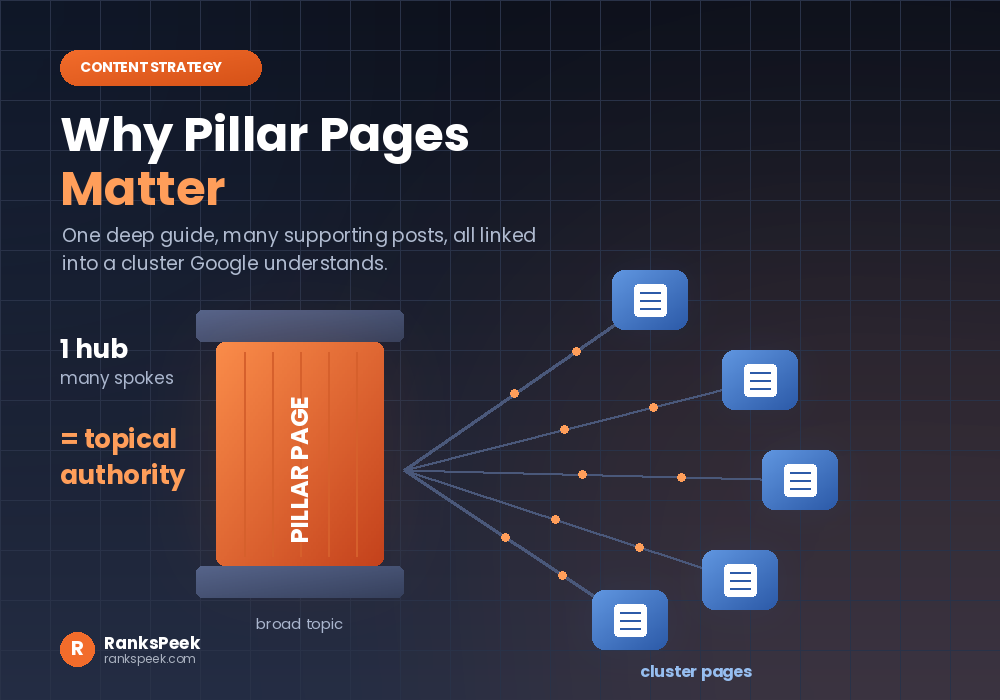 Why Pillar Pages Matter: The SEO Case for Topic ClustersWhy Pillar Pages Matter comes down to one idea: Google rewards depth, and a pillar page is how you prove it. A…
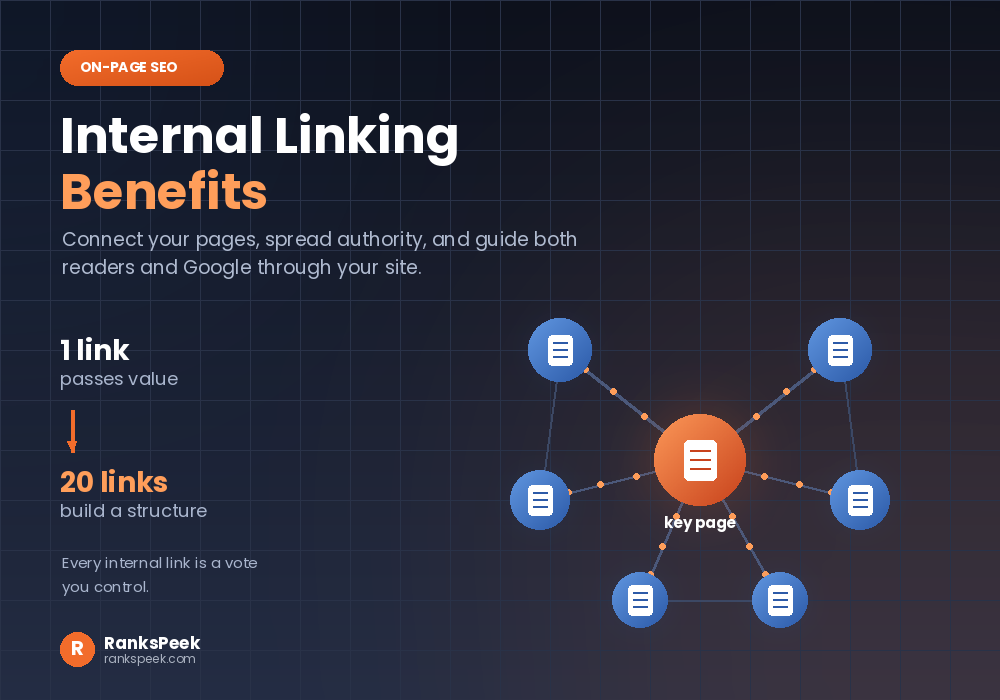 Internal Linking Benefits: Why They Matter for SEOInternal Linking Benefits are some of the easiest wins in all of SEO, because they cost nothing and you contro…