XML Sitemap Generator
Crawl your site and build a sitemap.xml
XML Sitemap Generator Tool. Build Your sitemap.xml in Seconds
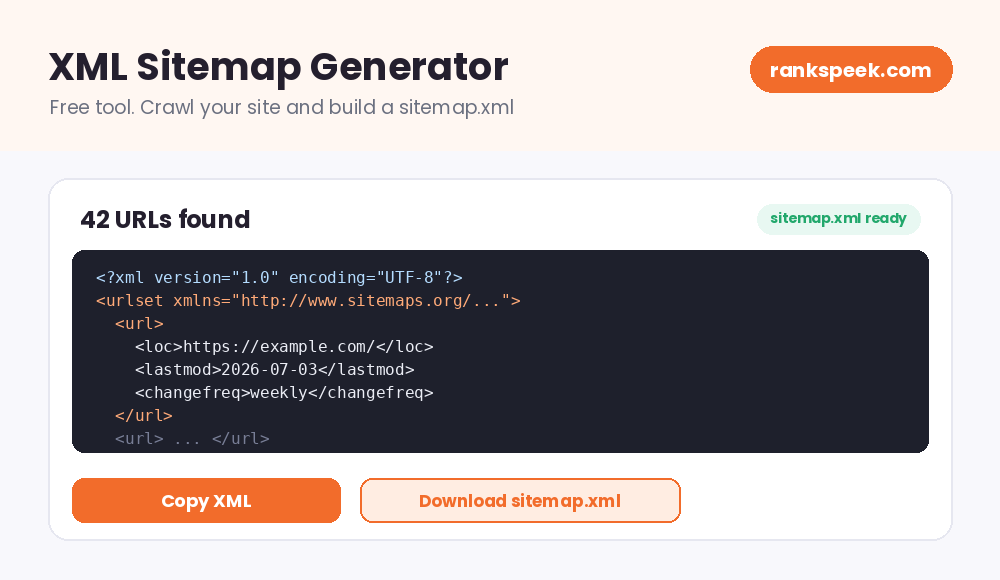
An XML sitemap generator tool creates a ready-to-use sitemap.xml file for your website automatically. You enter your site's address, the tool crawls your pages, and it builds a valid XML sitemap that you can upload and submit to Google. A sitemap is like a map you hand to search engines: it lists your pages in one clean file, so nothing important stays hidden. With our free generator, you get that file in seconds, with no signup and no technical skill needed.
An XML sitemap is a file, usually named sitemap.xml, that lists the important pages of a website in a format search engines understand. It helps Google and other search engines discover, crawl, and index your pages faster. An XML sitemap generator builds this file automatically by crawling your site's links.
What Is an XML Sitemap Generator?
An XML sitemap generator is a tool that scans your website, collects its page URLs, and writes them into a properly formatted sitemap file. The sitemap format is a web standard, so every search engine reads it the same way. Each entry lists a page's address along with optional details like when it was last modified. Writing this file by hand is slow and easy to get wrong; one misplaced tag can break the whole file. A generator does it correctly in one click.
How the Sitemap Generator Works
The process is simple and fully automatic:
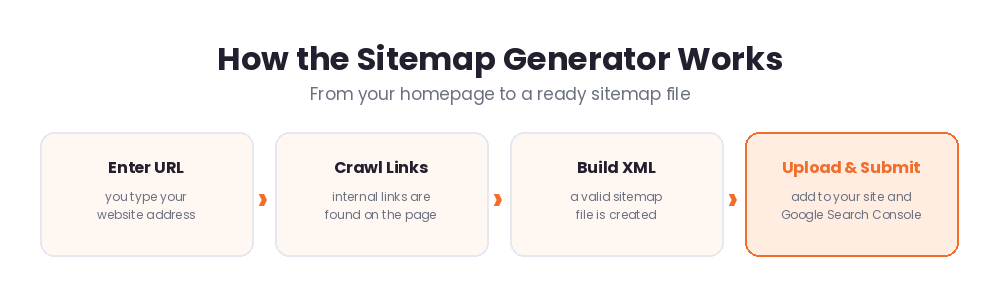
- Step 1. Enter your URL. Type your website address in the box above.
- Step 2. Crawl. The tool reads your page and collects its internal links (up to 200 URLs).
- Step 3. Build. A valid sitemap.xml is generated with every URL listed correctly.
- Step 4. Upload and submit. Save the file, upload it to your site's root folder, and submit it in Google Search Console.
Why an XML Sitemap Matters for SEO
Search engines find pages mainly by following links. That works, but it is not perfect, especially for new sites and new pages. A sitemap fills the gaps:
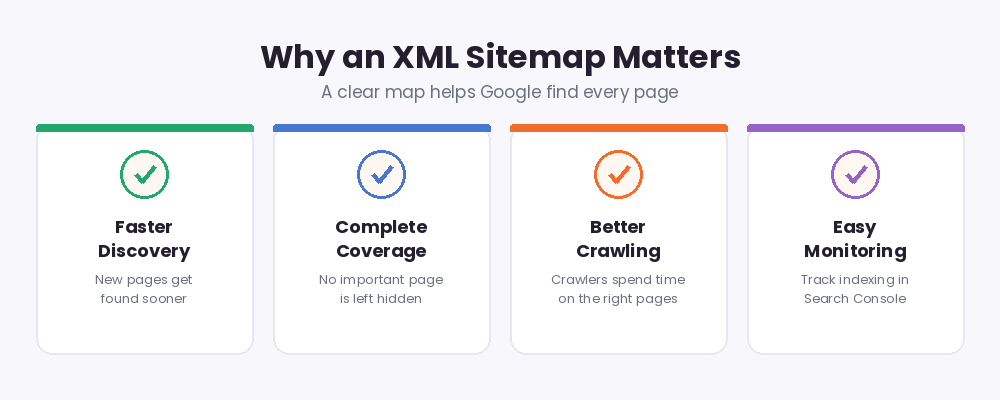
- Faster discovery. New pages get found sooner because they are listed in one place Google checks.
- Complete coverage. Pages with few internal links can be missed by crawlers; a sitemap makes sure they are seen.
- Better crawling. A clear list helps search engines spend their time on your real pages.
- Easy monitoring. After you submit the sitemap in Search Console, you can track exactly how many pages Google discovered.
One honest note: a sitemap helps pages get discovered, but it does not guarantee indexing or ranking. Content quality still decides that. The sitemap simply makes sure Google knows your pages exist.
How to Upload and Submit Your Sitemap
Once the tool generates your sitemap, three small steps put it to work:
- Save the file. Copy the XML and save it as sitemap.xml, or use the download option.
- Upload to your root folder. Place the file in your site's main folder (often called public_html), so it opens at yoursite.com/sitemap.xml.
- Submit in Google Search Console. Open Sitemaps in Search Console, enter sitemap.xml, and press Submit. Google will report the discovered pages there.
XML Sitemaps in 2026
Sitemaps remain a core SEO basic in 2026. Google is more selective about what it indexes now, so making discovery easy is the first battle, and a clean sitemap wins it. Keep your sitemap fresh: whenever you add important pages, regenerate the file or add the new URLs, and let Search Console pick up the change. Also keep it honest. List only real, working pages that you want in search, and leave out thin pages, duplicates, and private areas. A tidy sitemap signals a tidy site.
Common Sitemap Mistakes to Avoid
A sitemap only helps when it is clean and correct. These are the mistakes we see most often:
- Broken XML. A hand-edited sitemap with a missing tag makes Google report a parsing error and ignore the file. Always validate after manual edits, or simply regenerate it.
- Listing redirected or dead URLs. Every address in the sitemap should load directly with a 200 status, not redirect or show a 404.
- Including pages you do not want in search. Login pages, cart pages, and thin content waste crawl attention.
- Forgetting to resubmit. After big changes, check Search Console to confirm the sitemap status still says Success.
Tips for a Healthy Sitemap
- Include only pages you want indexed; leave out login, cart, and thank-you pages.
- Update the sitemap whenever you publish important new pages.
- Keep one sitemap at your root folder and submit it once in Search Console.
- Fix broken links on your site so the crawler can find every page.
- Check the Sitemaps report in Search Console now and then to confirm the status is Success.
Related Free SEO Tools on RanksPeek
Use these other free tools to improve your site's indexing and visibility. Just click any button to open it:
Helpful resource: To read the official sitemap standard, visit sitemaps.org, the official sitemap protocol site →
Frequently Asked Questions
What is a sitemap.xml file?
It is a file that lists your website's important pages in a standard XML format. Search engines read it to discover and crawl your pages faster.
Do I need an XML sitemap?
Almost every site benefits from one. It is especially valuable for new websites, sites with many pages, and pages with few internal links pointing to them.
Does a sitemap guarantee my pages will be indexed?
No. A sitemap helps Google discover your pages, but indexing still depends on content quality and Google's own selection. Discovery is the first step, not the whole journey.
Where do I upload the sitemap file?
Upload it to your website's root folder, usually public_html, so it opens at yoursite.com/sitemap.xml. Then submit that address in Google Search Console.
How often should I update my sitemap?
Whenever you add or remove important pages. For most small sites, regenerating the sitemap after each batch of new content is enough.
Enter your website above and get a clean, ready-to-submit sitemap.xml in seconds.
From our Blog
 AI Schema Markup Generator: How to Use It SafelyAn AI Schema Markup Generator takes a page you already have and writes the structured data code for it, so sea…
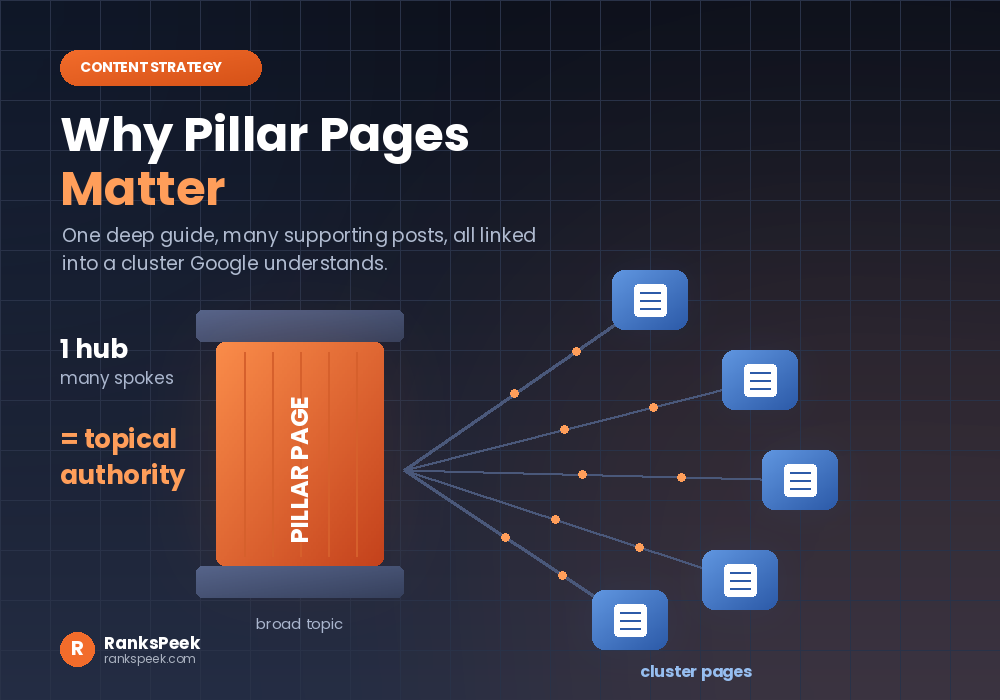 Why Pillar Pages Matter: The SEO Case for Topic ClustersWhy Pillar Pages Matter comes down to one idea: Google rewards depth, and a pillar page is how you prove it. A…
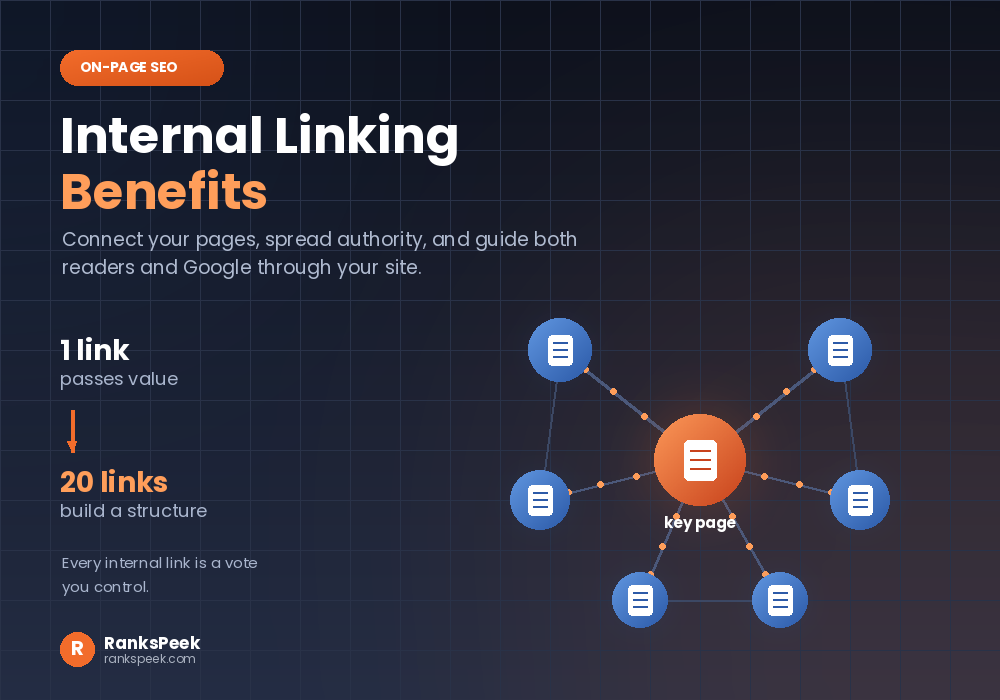 Internal Linking Benefits: Why They Matter for SEOInternal Linking Benefits are some of the easiest wins in all of SEO, because they cost nothing and you contro…