Google Indexed Pages Checker
See how many pages of a website are indexed in Google
Free Google Indexed Pages Checker Tool — See What’s in Google
A Google indexed pages checker tool lets you see how many pages of a website are actually included in Google’s search index. Only indexed pages can appear in search results, so this is one of the first things to check when a page is not getting any traffic. You enter a domain, and the tool shows roughly how many of its pages Google has stored — a quick health check for any website’s visibility.
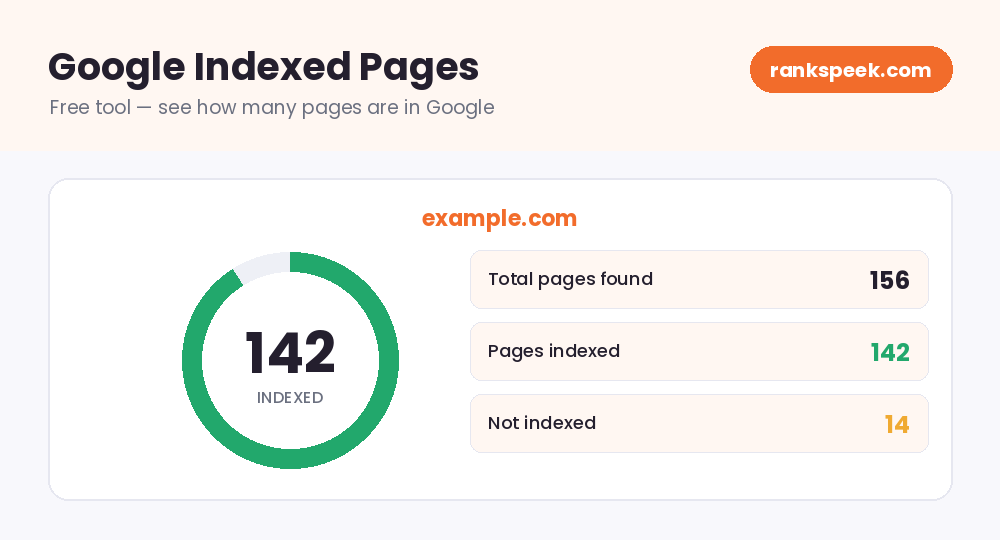
Google indexed pages are the pages from a website that Google has crawled and added to its search index. Only indexed pages can show up in Google search results. If a page is not indexed, it will not appear no matter how good its content is. A Google indexed pages checker estimates how many of a site’s pages are currently in Google’s index.
What Is a Google Indexed Pages Checker?
A Google indexed pages checker is a tool that estimates how many pages of a website Google has added to its index. Google’s crawlers visit websites, read their pages, and store the ones worth showing in search. This checker gives you a quick count of those stored pages, so you can tell at a glance whether most of your site is visible to Google — or whether large parts of it are being skipped.
Why Indexing Matters for SEO
Indexing is the step that comes before ranking. A page has to be in Google’s index before it can rank for anything.
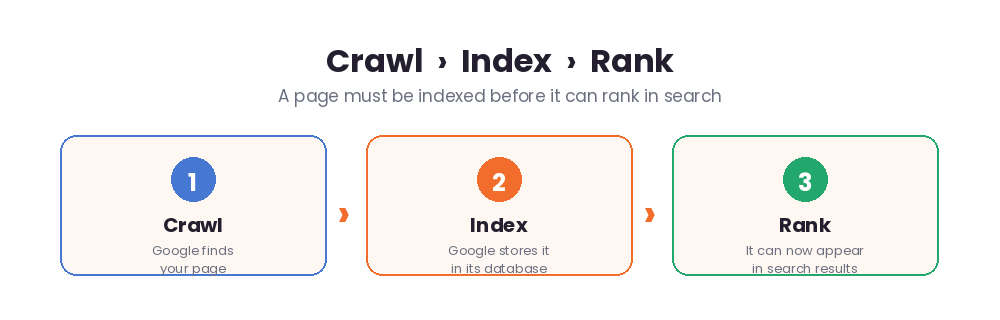
Here is why keeping an eye on it matters:
- No index, no traffic — an unindexed page simply will not appear in search, no matter how strong its content is.
- Spot missing pages — if your index count is far lower than your real page count, important pages may be getting skipped.
- Catch problems early — a sudden drop in indexed pages can signal a technical issue worth fixing fast.
- Check competitors — seeing how many pages a rival has indexed hints at the size and reach of their site.
- Measure growth — as you publish more and earn more links, your indexed pages should rise over time.
How to Use the Google Indexed Pages Checker
You do not need any technical skill:
- Step 1 — Enter a domain. Type the website you want to check into the box above.
- Step 2 — Run the check. Click the button and the tool estimates how many pages are indexed.
- Step 3 — Compare with reality. Match the result against how many pages your site actually has.
- Step 4 — Act on gaps. If many pages are missing, work on the indexing tips below.
Why Some Pages Don’t Get Indexed
If your indexed count is lower than expected, there is usually a reason. Common causes include:
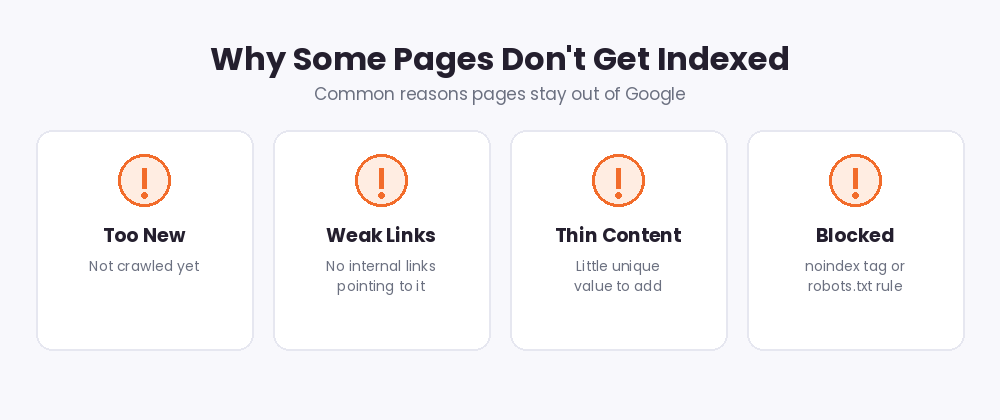
- The page is too new — Google has not crawled it yet.
- Weak internal linking — pages with no links pointing to them are hard for crawlers to find.
- Thin or duplicate content — Google may skip pages that add little unique value.
- Blocked by accident — a "noindex" tag or a robots.txt rule can quietly keep pages out.
- Crawl budget on big sites — very large sites may not get every page crawled quickly.
How to Get More Pages Indexed
The good news: indexing problems are usually fixable. Here is how to help Google find and store more of your pages:
- Use Google Search Console. Submit your sitemap, then use the URL Inspection tool to request indexing for important pages.
- Submit an XML sitemap. A clean sitemap acts as a map that points Google straight to your pages.
- Strengthen internal links. Link to new pages from existing ones so crawlers can reach them.
- Publish unique, useful content. Original pages that add value are far more likely to be indexed.
- Earn quality backlinks. Links from other sites help Google discover your pages faster.
Google Indexed Pages in 2026
Indexing is more selective in 2026 than it used to be. Google is choosier about which pages it stores, favoring genuinely helpful, high-quality content over thin or repetitive pages. With AI-generated overviews now summarizing answers at the top of many searches, being indexed is just the starting line — your content also needs to be clear, trustworthy, and well-structured to earn visibility. The practical takeaway: focus on fewer, better pages rather than publishing lots of low-value ones that may never get indexed.
Tips to Keep Your Site Well-Indexed
- Keep a clean, up-to-date XML sitemap and submit it in Search Console.
- Remove or improve thin pages instead of leaving them to clutter your site.
- Use "noindex" deliberately on pages you do not want in search, like login or thank-you pages.
- Check your indexed count every few weeks to catch sudden drops early.
Related Free SEO Tools on RanksPeek
Use these other free tools to improve your site’s indexing and visibility — just click any button to open it:
Helpful resource: To learn how Google crawling and indexing works, read the Google Search Central documentation →
Frequently Asked Questions
What does "indexed by Google" mean?
It means Google has crawled a page and added it to its search index, making it eligible to appear in search results.
How do I check if my page is indexed?
You can use this Google indexed pages checker for a quick count, search site:yourdomain.com in Google, or use the URL Inspection tool in Google Search Console for a single page.
Why is my page not indexed?
Common reasons include the page being too new, weak internal links, thin or duplicate content, or an accidental "noindex" tag or robots.txt block.
How long does indexing take?
It varies — from a few hours to a few weeks. Submitting your sitemap and requesting indexing in Search Console can speed it up.
Does being indexed mean I will rank?
No. Indexing only makes a page eligible to appear in search. Ranking then depends on content quality, relevance, and backlinks.
Knowing what Google has indexed is the first step to making sure your best pages actually get found.
From our Blog
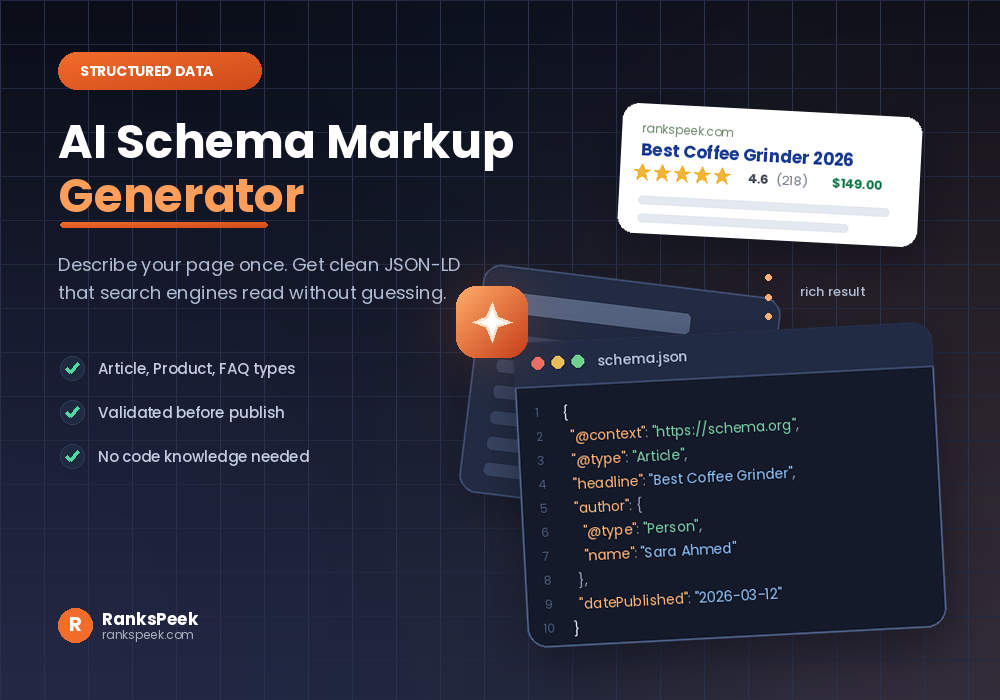 AI Schema Markup Generator: How to Use It SafelyAn AI Schema Markup Generator takes a page you already have and writes the structured data code for it, so sea…
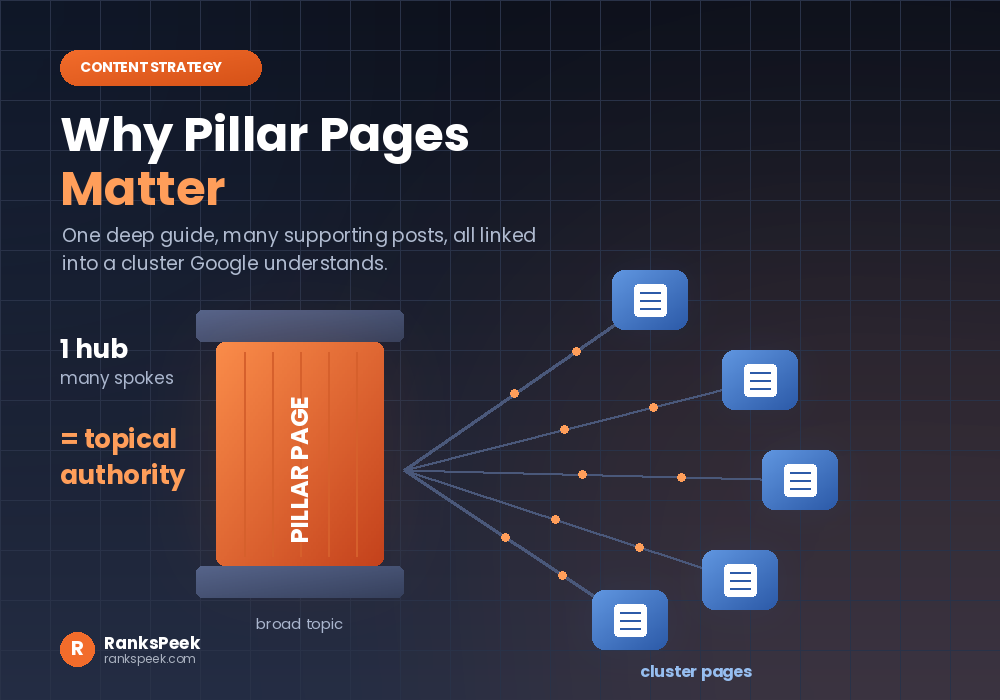 Why Pillar Pages Matter: The SEO Case for Topic ClustersWhy Pillar Pages Matter comes down to one idea: Google rewards depth, and a pillar page is how you prove it. A…
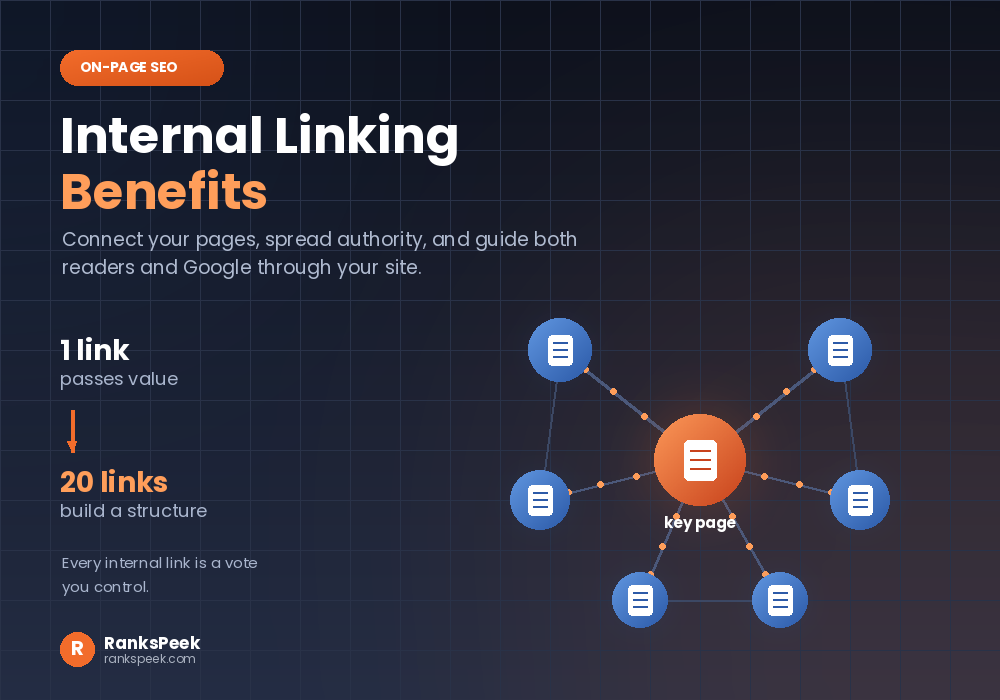 Internal Linking Benefits: Why They Matter for SEOInternal Linking Benefits are some of the easiest wins in all of SEO, because they cost nothing and you contro…