Meta Tags Analyzer
See exactly what meta tags a page is using
Free Meta Tags Analyzer — Check Any Page’s Meta Tags Instantly
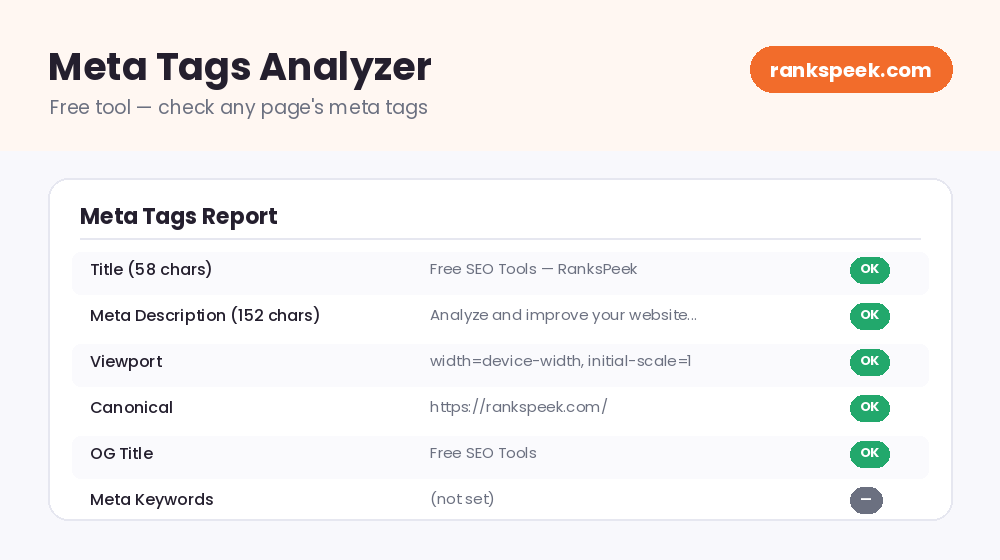
A free meta tags analyzer lets you instantly see the meta tags on any web page — the title, description, and other behind-the-scenes tags that tell search engines what your page is about. These tags do not show on the page itself, but they shape how your page appears in Google’s results and how well it is understood. With a free meta tag analyzer, you enter a URL and get a clear breakdown of each tag, so you can spot what is missing, too long, or badly written.
Meta tags are snippets of HTML code that describe a web page to search engines and browsers. They do not appear on the visible page, but they influence how it shows up in search results. The most important are the title tag (the clickable headline in Google) and the meta description (the short summary below it). A meta tags analyzer reads these tags from any page so you can check and improve them.
What Is a Meta Tags Analyzer?
A meta tags analyzer is a tool that reads the meta tags from a web page’s HTML and lays them out in a simple, readable report. Instead of digging through a page’s source code, you enter a URL and instantly see the title, description, and other key tags, along with details like their length. It is perfect for checking your own pages or studying how competitors write their tags.
Why Meta Tags Matter for SEO
Meta tags are one of the easiest ways to improve how your pages perform in search. Your title and description are often exactly what people see — and click — in Google:
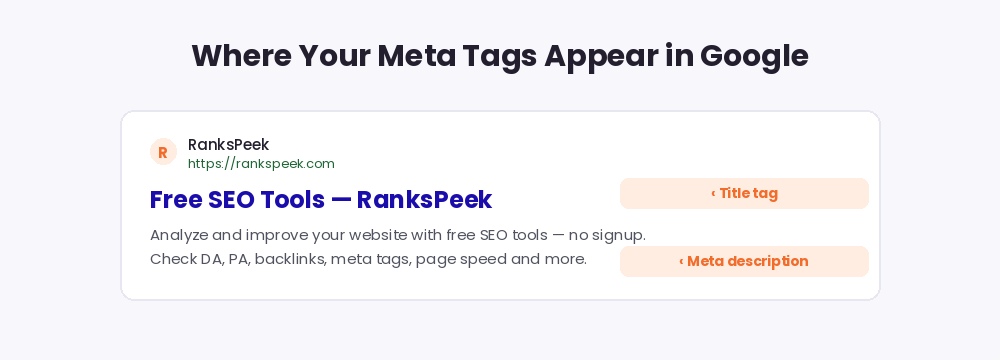
- They shape your search snippet — your title and description are often what people see (and click) in Google.
- They improve click-through rate — a clear, compelling title and description bring more clicks, even at the same ranking.
- They help search engines understand your page — good tags give context about your content.
- They control social sharing — Open Graph tags decide how your page looks when shared on social media.
Key Meta Tags to Check
Not every meta tag carries the same weight. These are the ones that matter most:
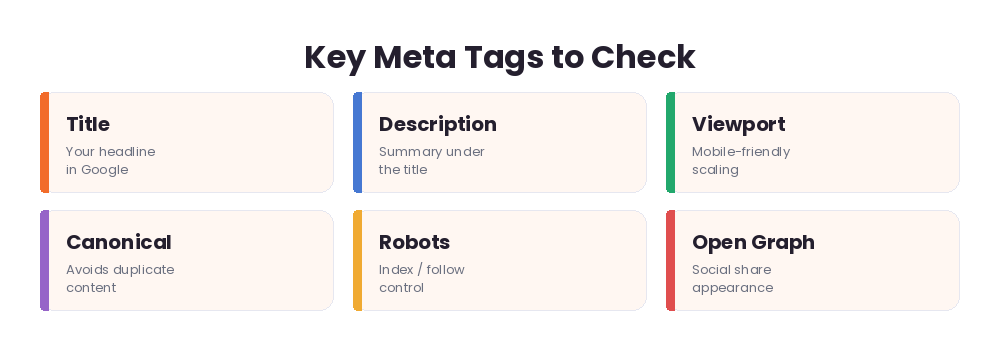
- Title tag — the single most important tag. It is your headline in search results. Keep it clear, keyword-rich, and roughly under 60 characters so it does not get cut off.
- Meta description — the summary under your title. Aim for about 150–160 characters and make it inviting.
- Viewport tag — tells browsers how to scale the page on mobile; essential for mobile-friendliness.
- Canonical tag — points search engines to the "main" version of a page to avoid duplicate-content issues.
- Robots meta tag — controls whether a page should be indexed or followed.
- Open Graph & Twitter tags — control the title, description, and image shown when your page is shared on social media.
What About the Meta Keywords Tag?
You may still see the old meta keywords tag mentioned in older guides. Here is the truth: Google stopped using it for ranking years ago, so stuffing keywords there does nothing for your SEO today. A meta tags analyzer may still show it, but do not waste time on it — focus your energy on a strong title and description instead.
How to Use the Free Meta Tags Analyzer
You do not need any technical skill:
- Step 1 — Enter a URL. Type the page you want to check into the box above.
- Step 2 — Analyze. Click the button and the tool reads the page’s meta tags.
- Step 3 — Review the report. See each tag and its length at a glance.
- Step 4 — Fix and improve. Rewrite anything missing, too long, or unclear.
How to Write Great Meta Tags
A quick checklist for tags that actually help:
- Write a unique title for every page — never reuse the same title across pages.
- Put your main keyword near the front of the title, naturally.
- Keep the title under ~60 characters so Google does not truncate it.
- Write a description that sells the click — clear, specific, and around 150–160 characters.
- Match the tag to the page — the title and description should honestly reflect the content.
- Add Open Graph tags so shared links look great on social media.
Meta Tags in 2026
Meta tags still matter in 2026, but with a twist. Google sometimes rewrites the title or description it shows in results, so think of your tags as a strong suggestion rather than a guarantee. Even so, well-written tags remain your best chance to shape your snippet and win the click. And as AI-generated overviews summarize more results, a clear, accurate title and description help both search engines and AI systems understand and represent your page correctly. The takeaway: keep tags honest, specific, and user-focused.
Tips for Better Meta Tags
- Check every important page’s tags — do not leave titles or descriptions blank.
- Avoid duplicate titles and descriptions across your site.
- Do not keyword-stuff; write for humans first.
- Re-check tags after any redesign or content update.
- Use the analyzer on competitors to learn how they frame their pages.
Related Free SEO Tools on RanksPeek
Use these other free tools to check and improve your pages — just click any button to open it:
Helpful resource: To learn how Google uses title links and meta descriptions, read the Google Search Central documentation →
Frequently Asked Questions
What are the most important meta tags?
The title tag and meta description are the most important, because they shape how your page appears in search results. The viewport, canonical, and robots tags also matter for how your page is handled.
Do meta keywords still help SEO?
No. Google stopped using the meta keywords tag for ranking long ago. Focus on your title and description instead.
How long should a title tag be?
Aim for roughly under 60 characters so it does not get cut off in search results. Put your main keyword near the front.
How long should a meta description be?
About 150–160 characters works well. Make it clear and compelling to encourage clicks.
Why does Google show a different title than mine?
Google sometimes rewrites titles and descriptions to better match a search. A clear, relevant tag makes this less likely and gives you the best chance of keeping your own wording.
Check any page’s meta tags above and turn small tag tweaks into more clicks from search.
From our Blog
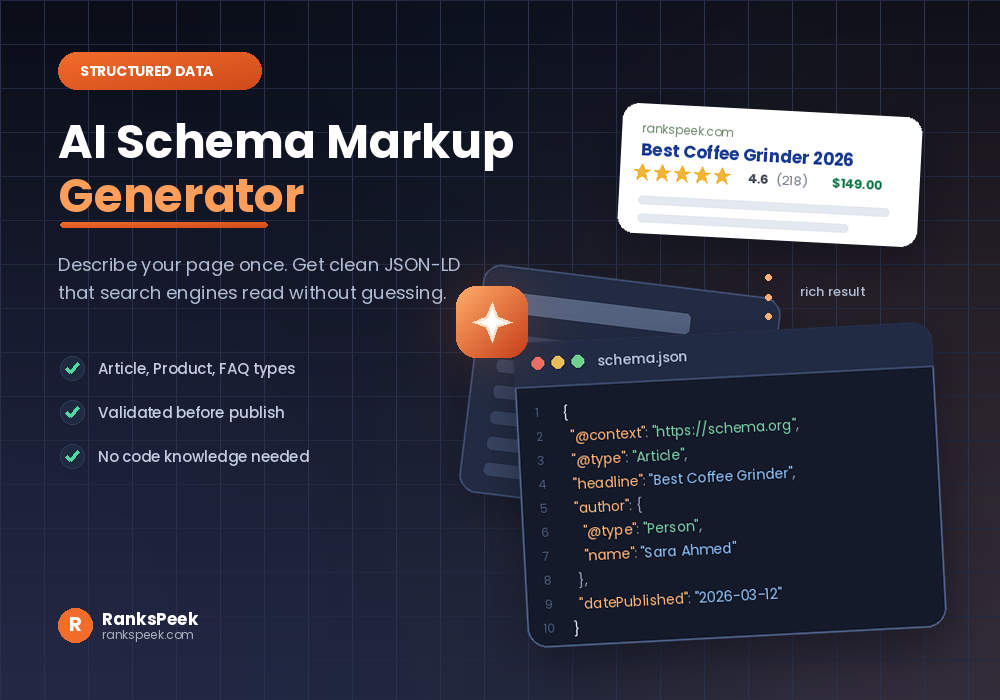 AI Schema Markup Generator: How to Use It SafelyAn AI Schema Markup Generator takes a page you already have and writes the structured data code for it, so sea…
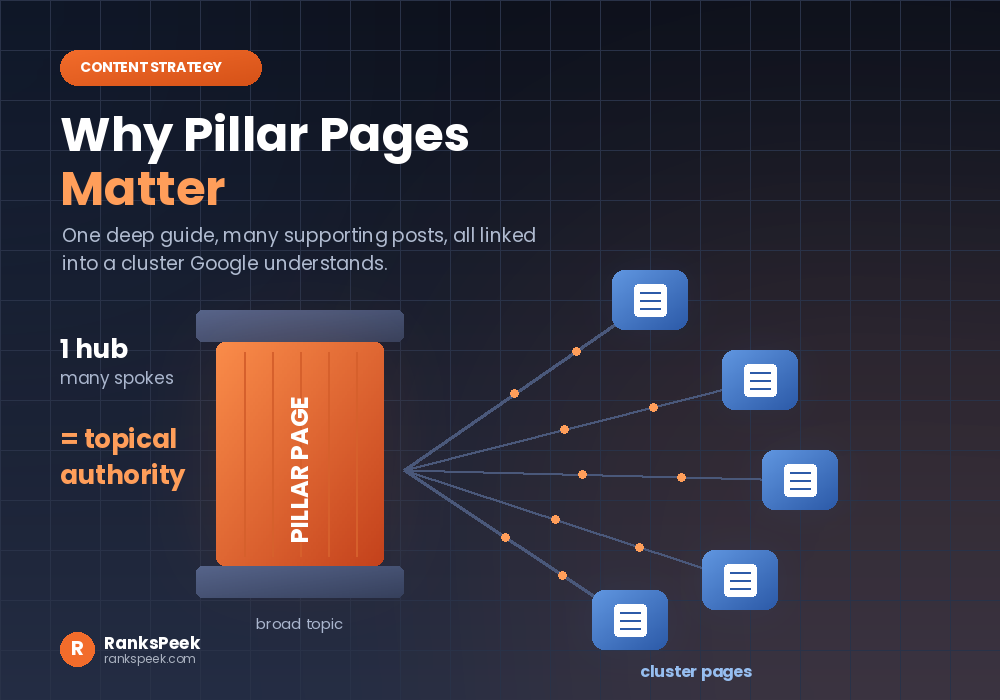 Why Pillar Pages Matter: The SEO Case for Topic ClustersWhy Pillar Pages Matter comes down to one idea: Google rewards depth, and a pillar page is how you prove it. A…
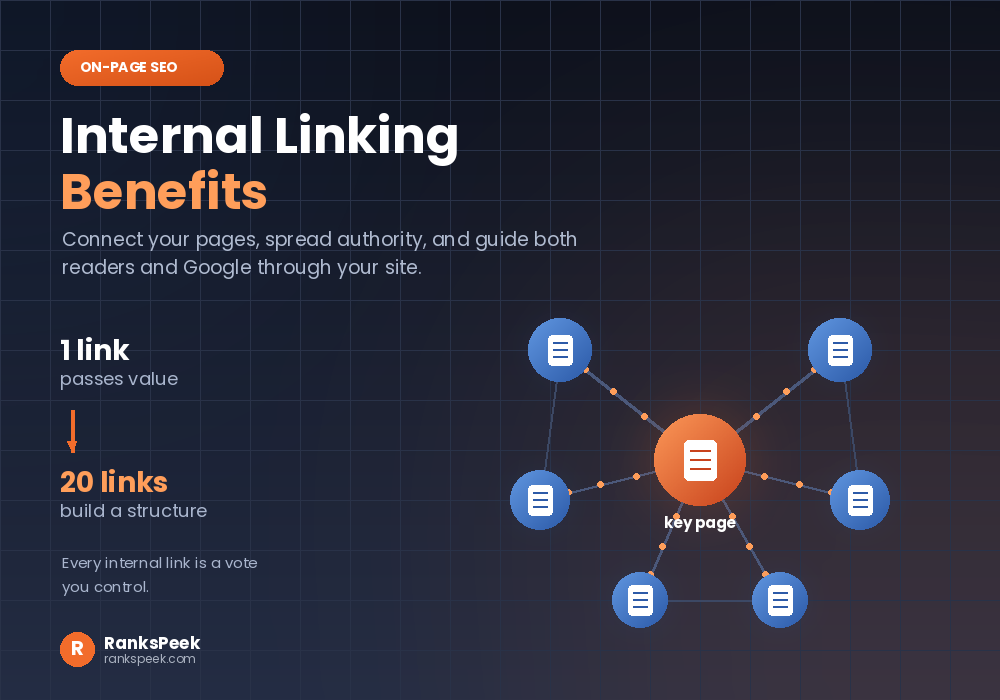 Internal Linking Benefits: Why They Matter for SEOInternal Linking Benefits are some of the easiest wins in all of SEO, because they cost nothing and you contro…